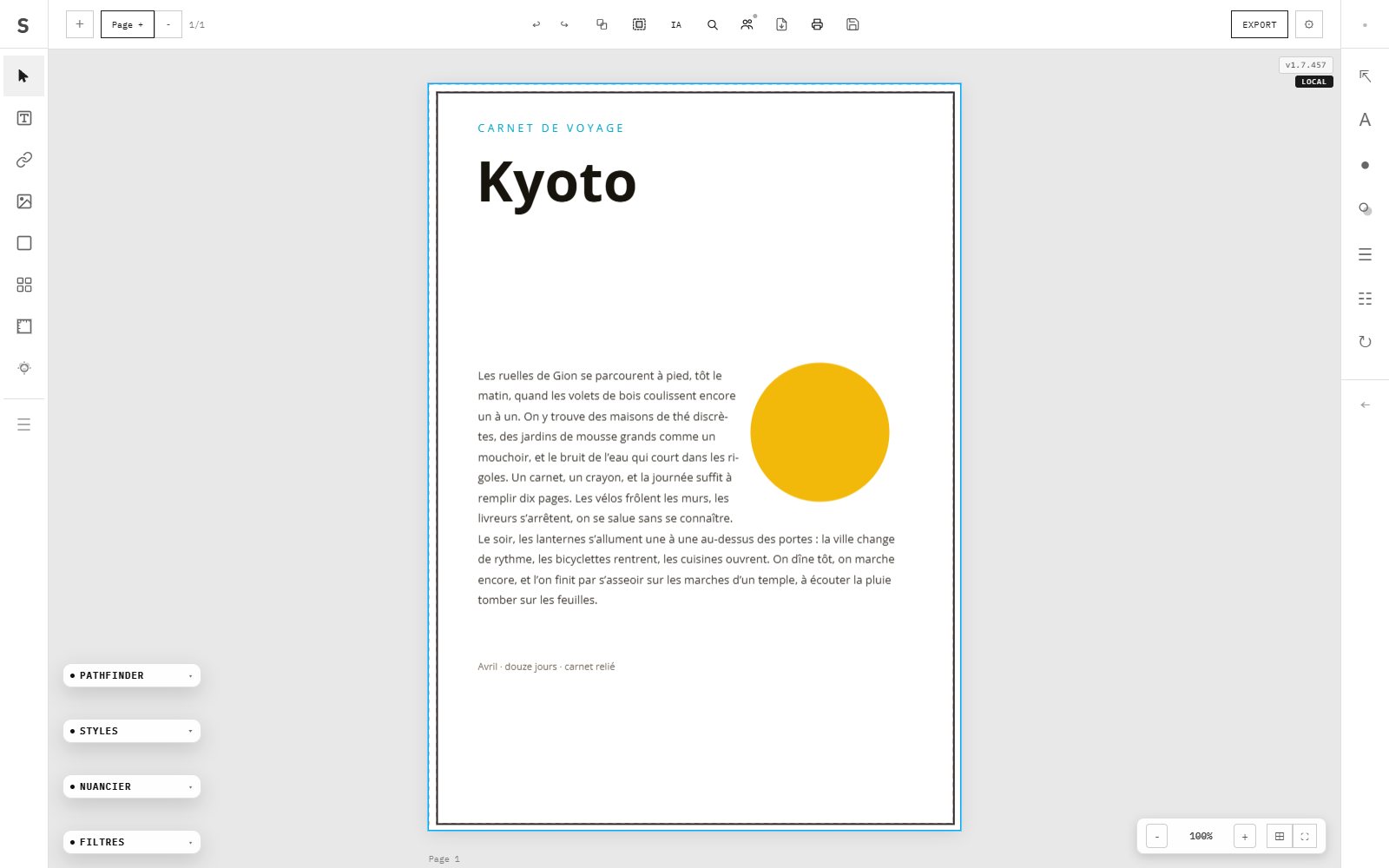
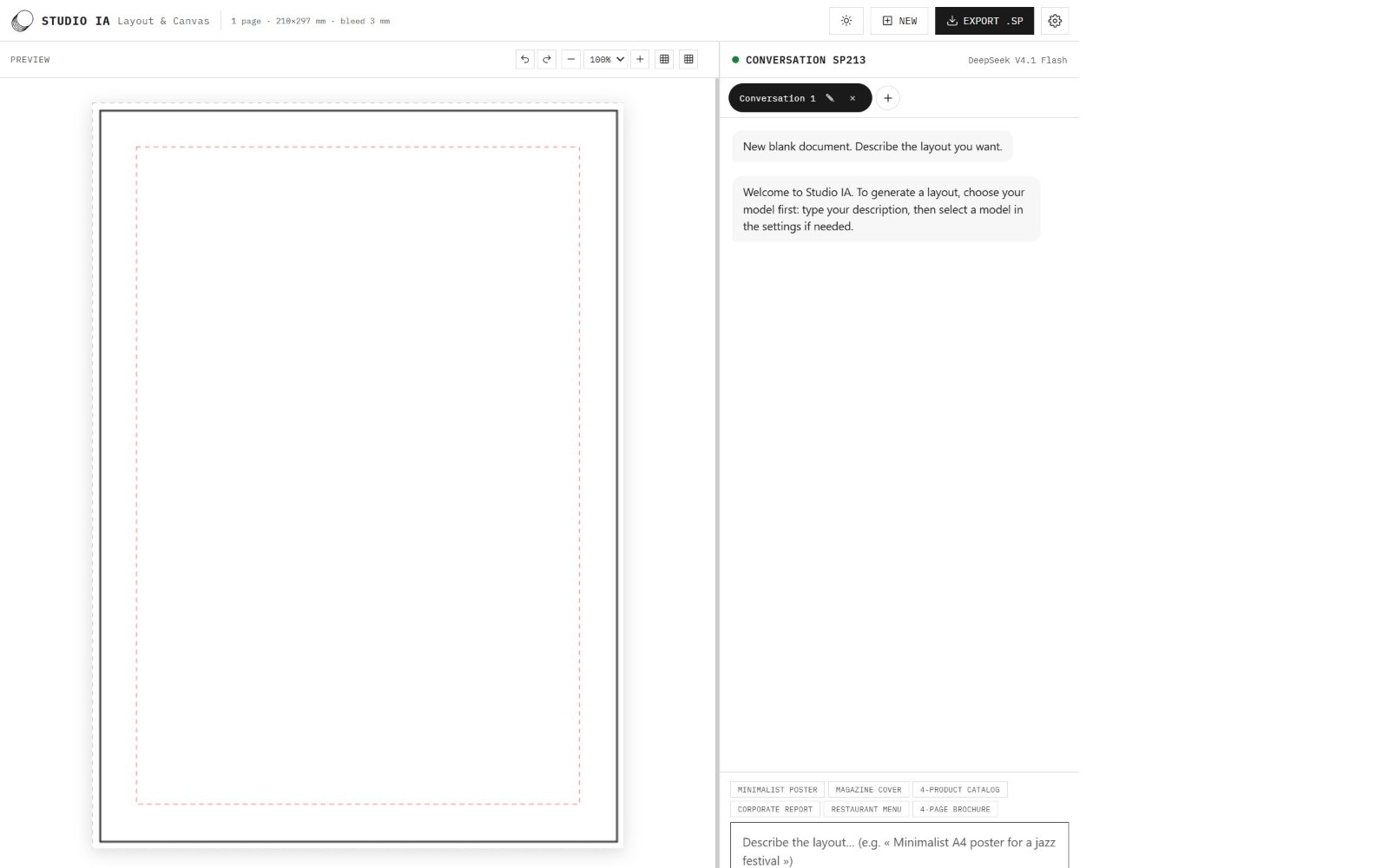
La mise en page professionnelle dans votre navigateur, avec le studio IA qui compose une maquette sur une phrase. Import Word et IDML, tons directs Pantone séparés dans le PDF, export prêt pour l'impression.
Professional page layout in your browser, with Studio IA, which composes a layout from a sentence. Word and IDML import, Pantone spot inks separated in the PDF, print-ready export.
ブラウザでプロの組版を。Studio IA が一文からレイアウトを組みます。Word・IDML読み込み、Pantone特色をPDFで分版、印刷対応の書き出し。
Installer SuperPrint en localInstall SuperPrint locallySuperPrintをローカルにインストール
Copiez cette ligne dans votre terminal : elle télécharge le paquet, installe puis lance l'application sur votre machine.
Copy this line into your terminal: it downloads the package, installs and launches the app on your machine.
PowerShell · npx.cmd bypasses the script ExecutionPolicy block
Sans abonnementNo subscriptionサブスク不要Fonctionne hors-ligneWorks offlineオフラインで動作Aussi en application PWAAlso a PWA appPWA アプリとしても
Modèles inclusIncluded templates同梱テンプレート
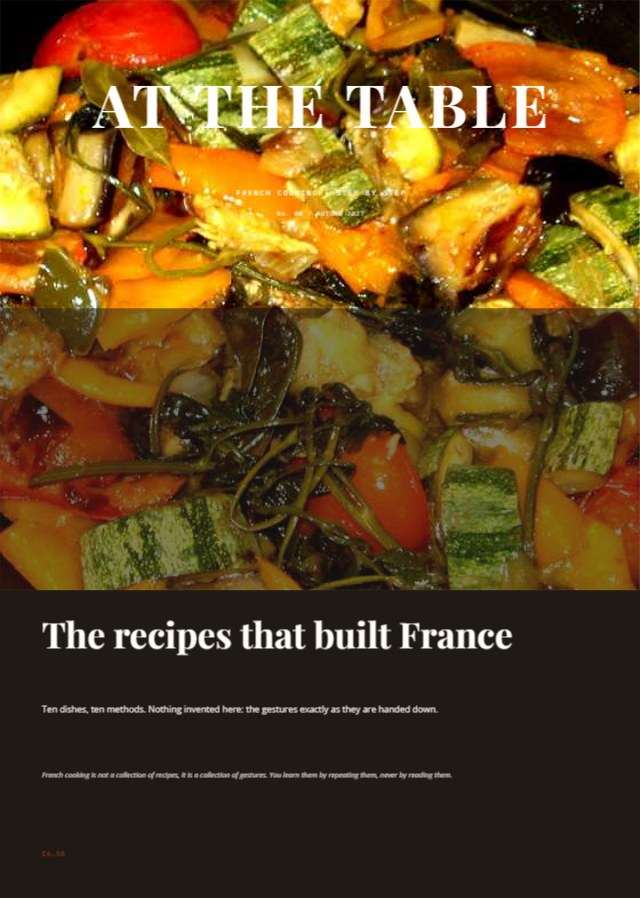
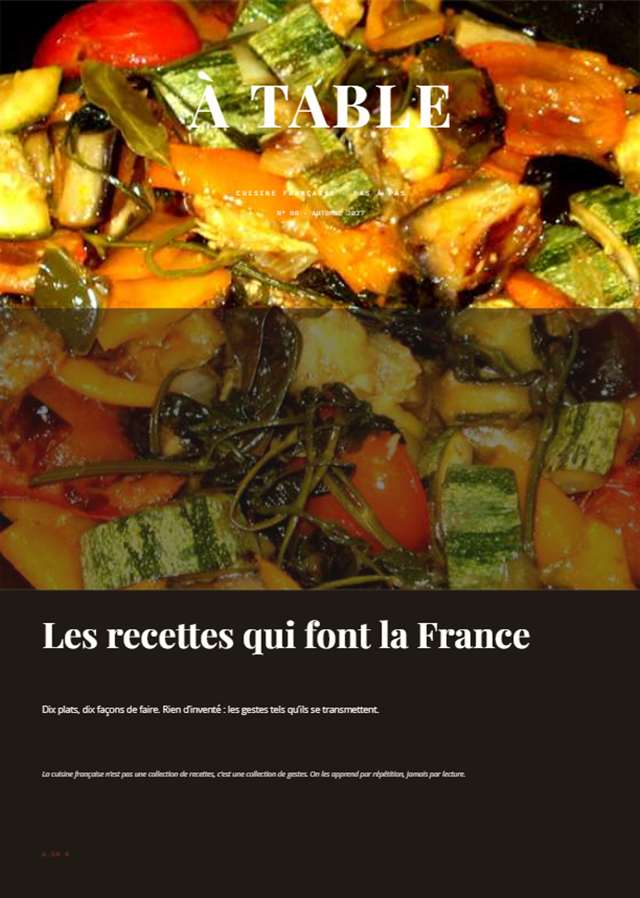
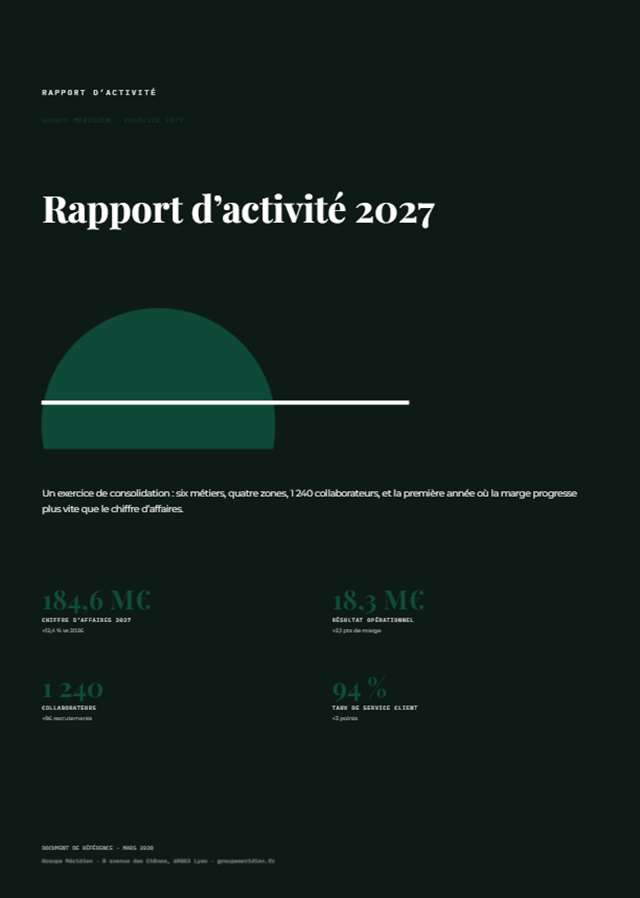
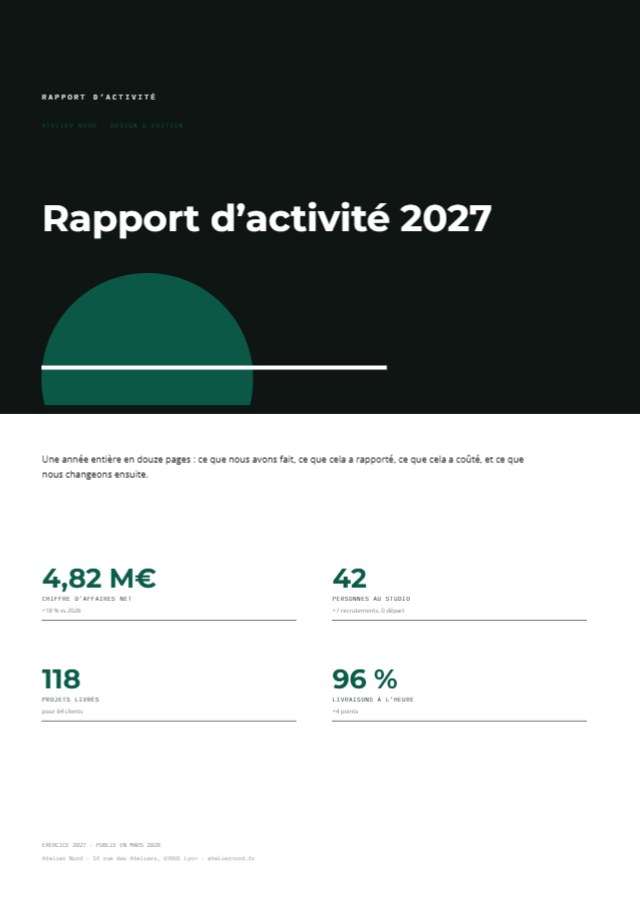
46 maquettes prêtes à ouvrir.
46 layouts ready to open.
そのまま開ける 46 点のレイアウト。
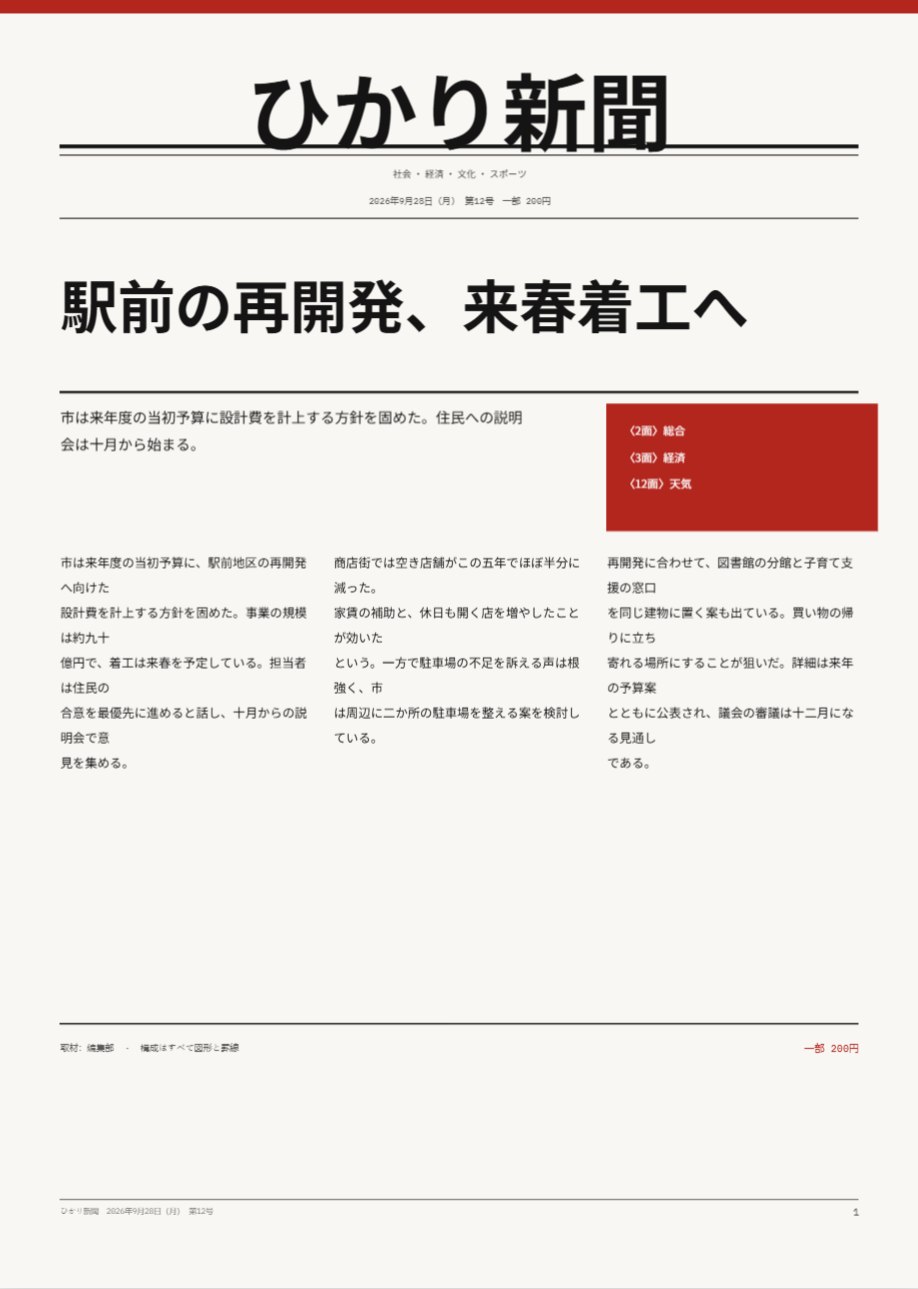
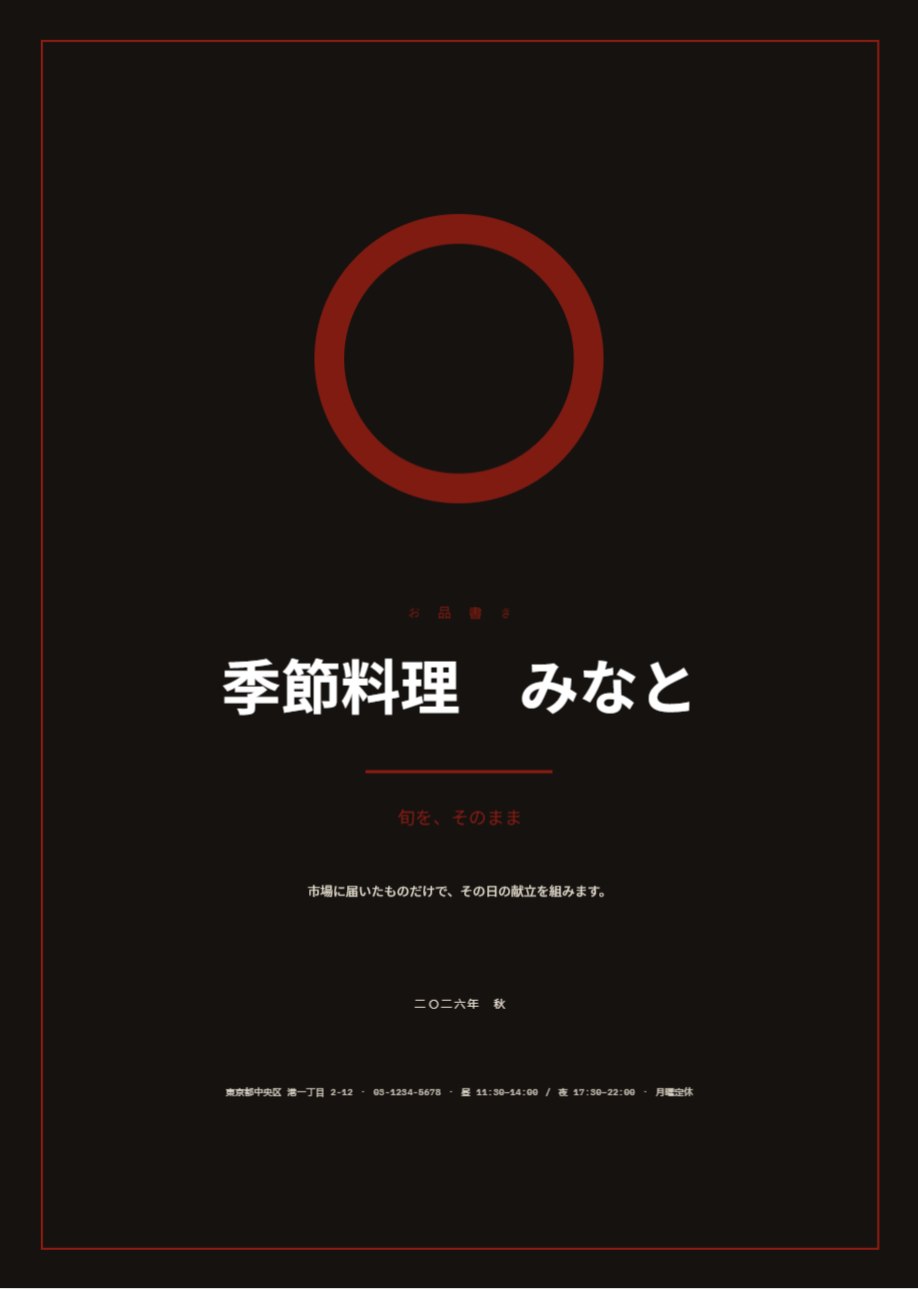
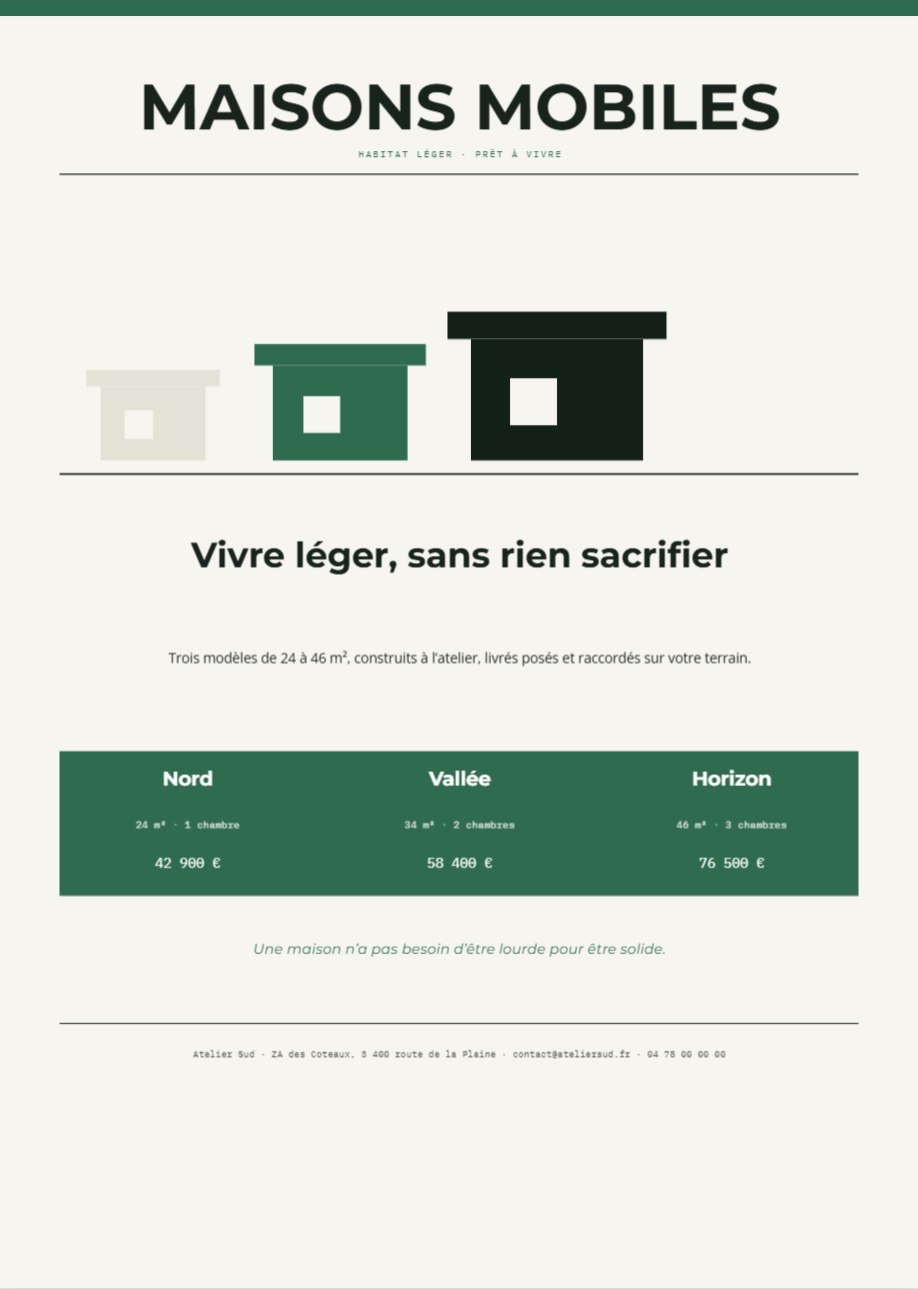
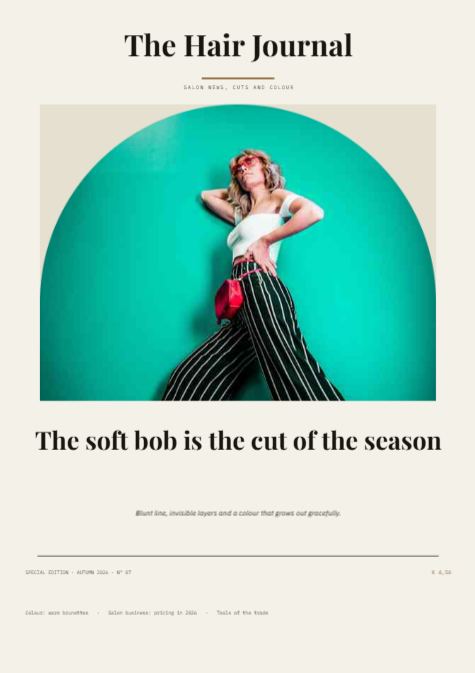
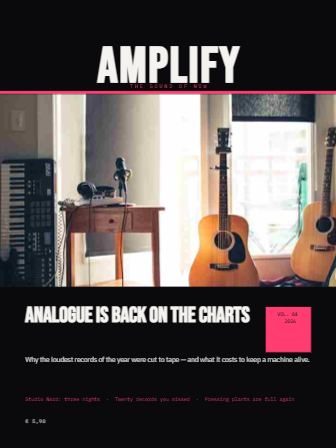
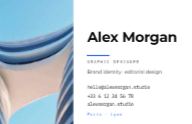
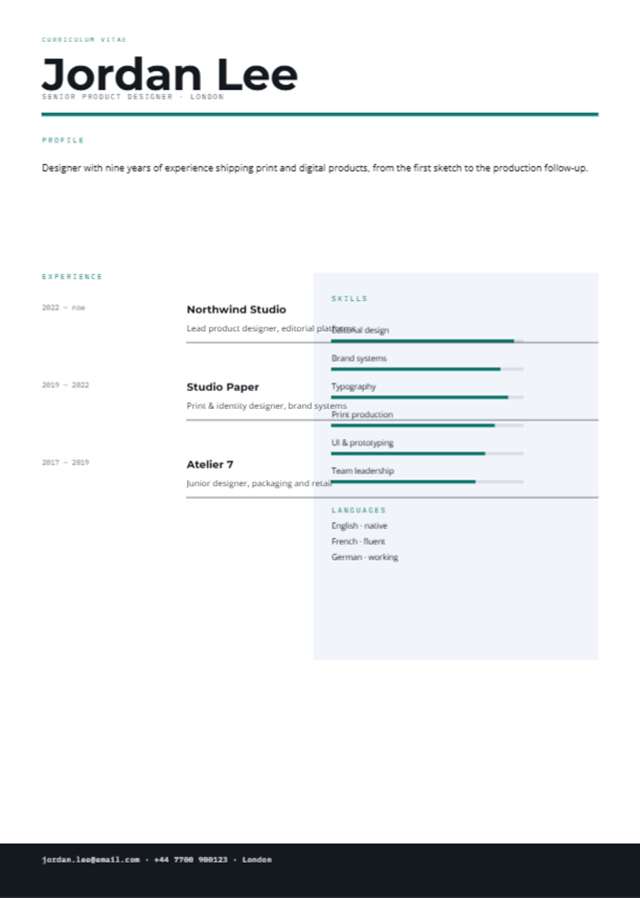
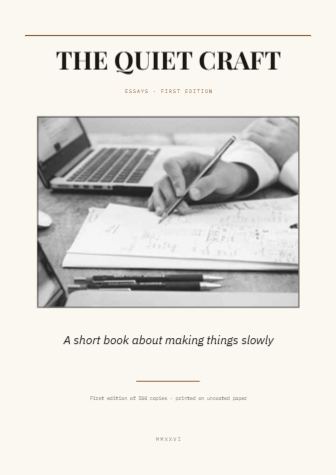
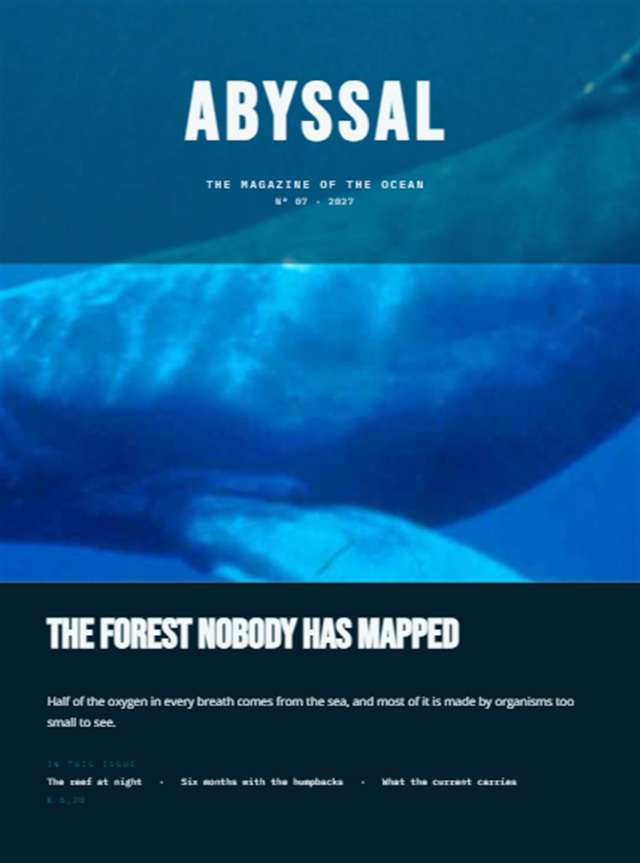
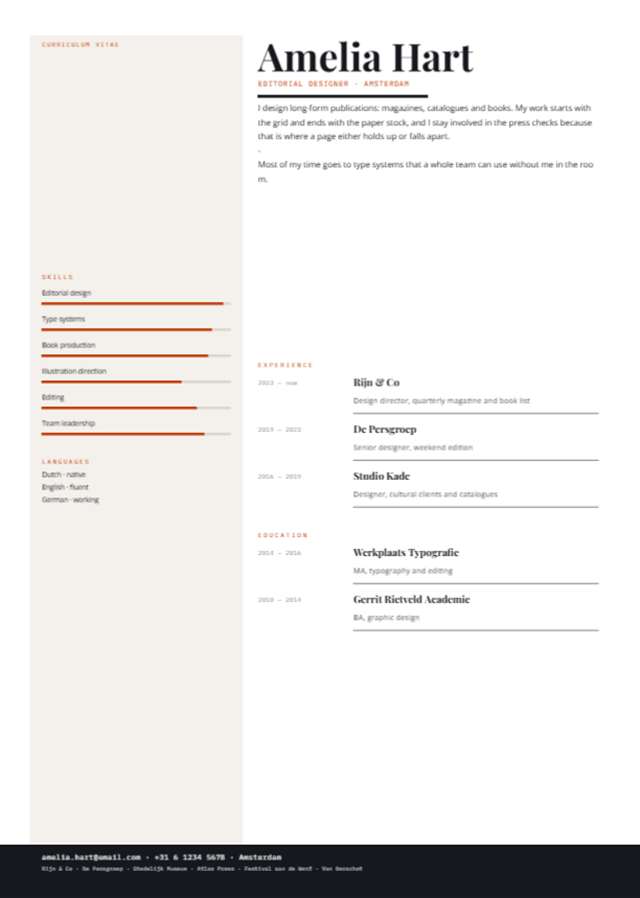
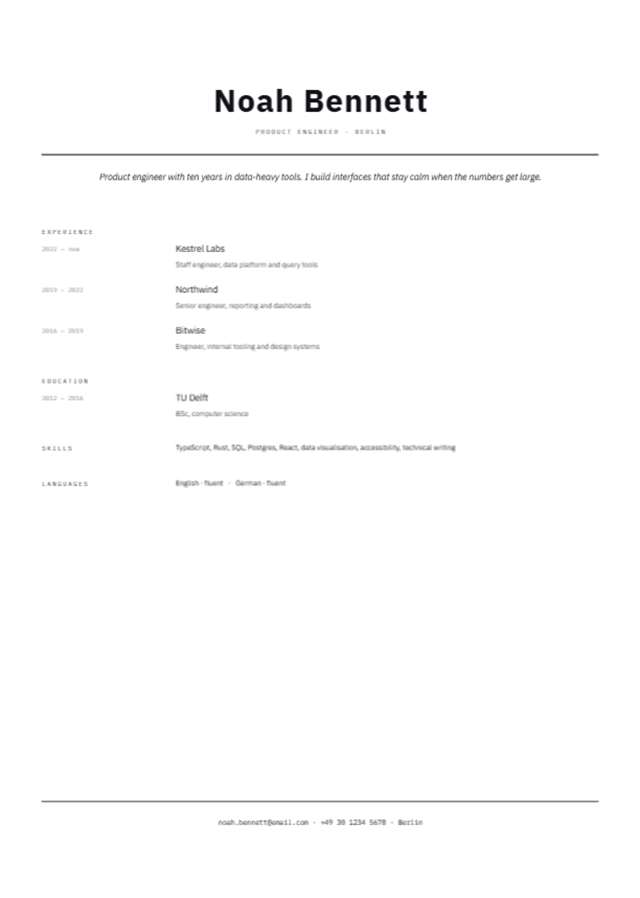
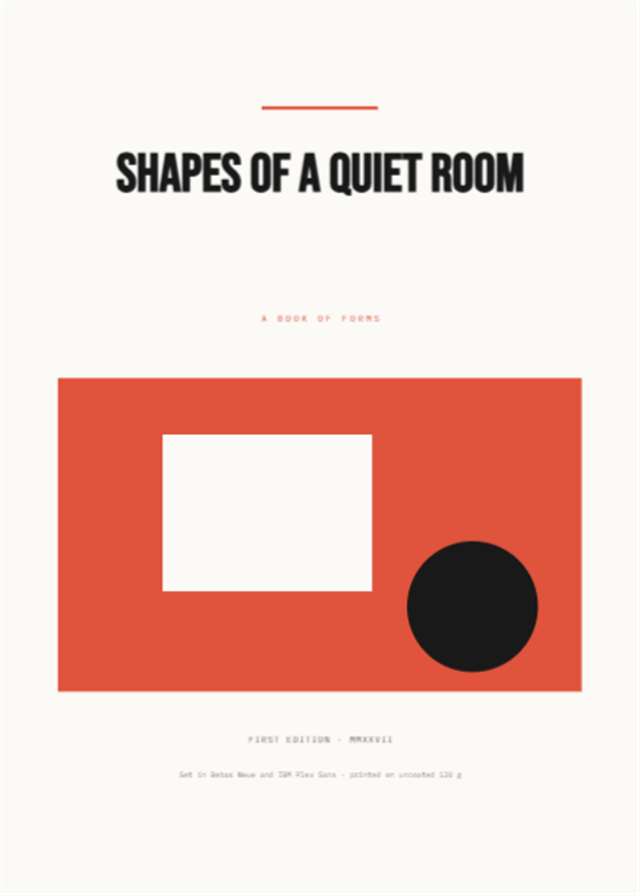
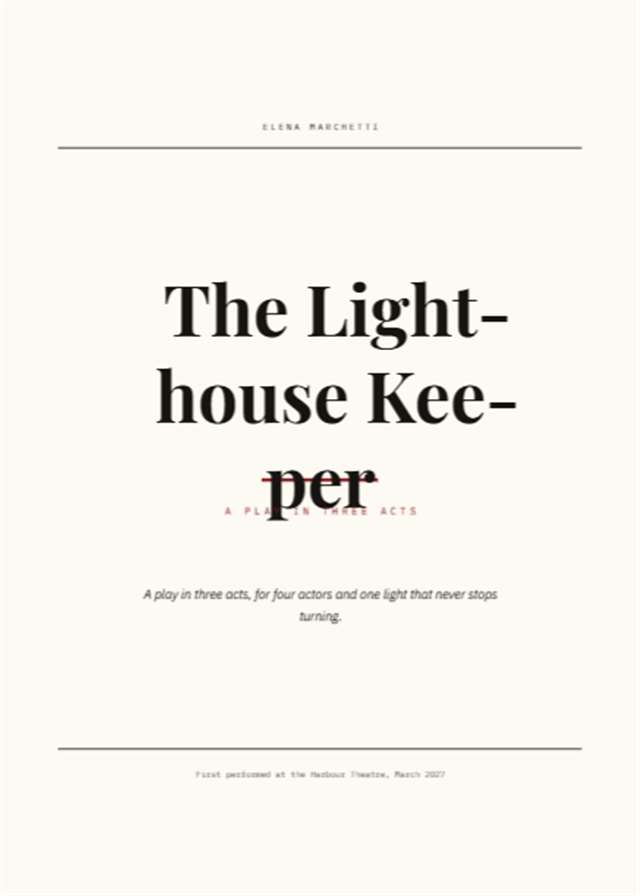
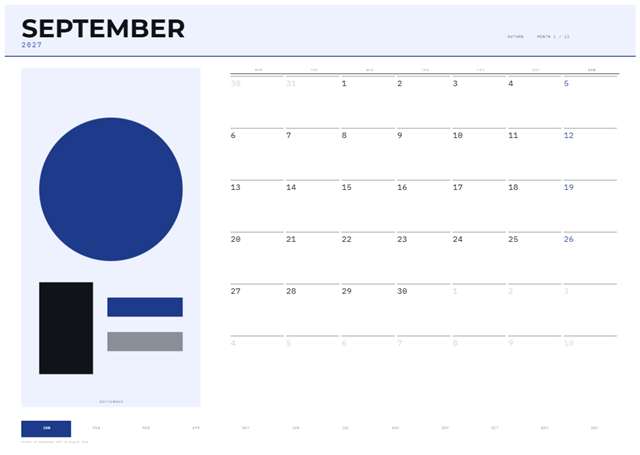
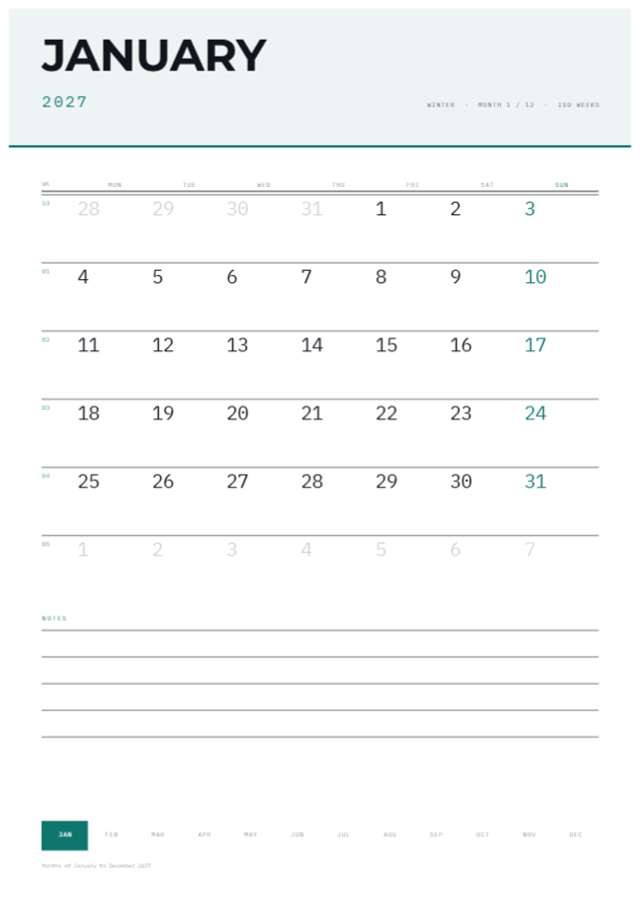
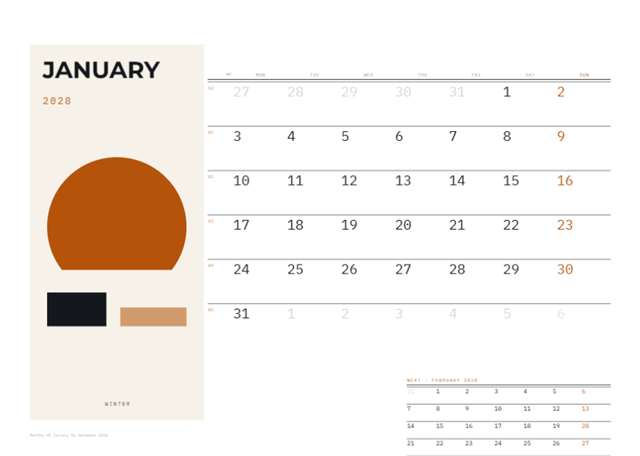
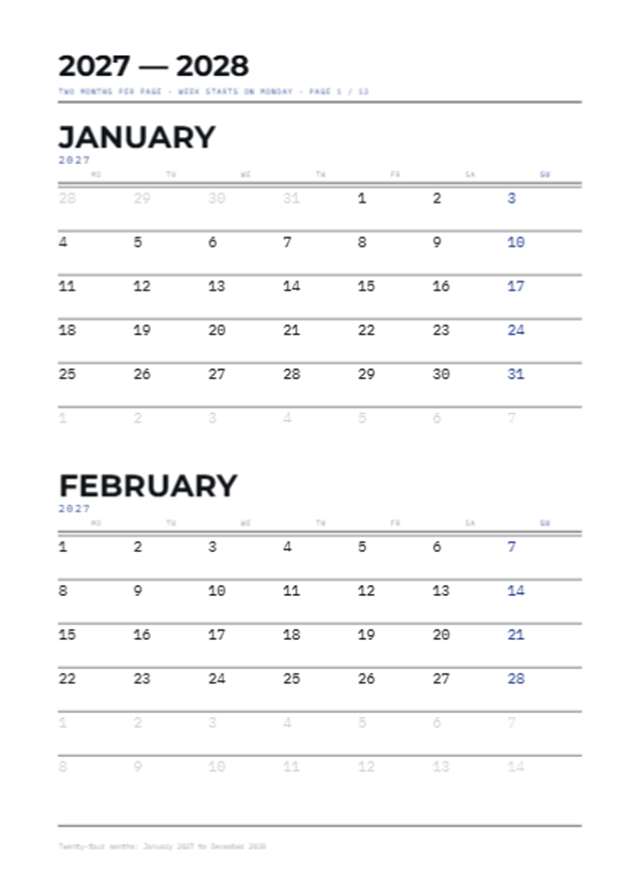
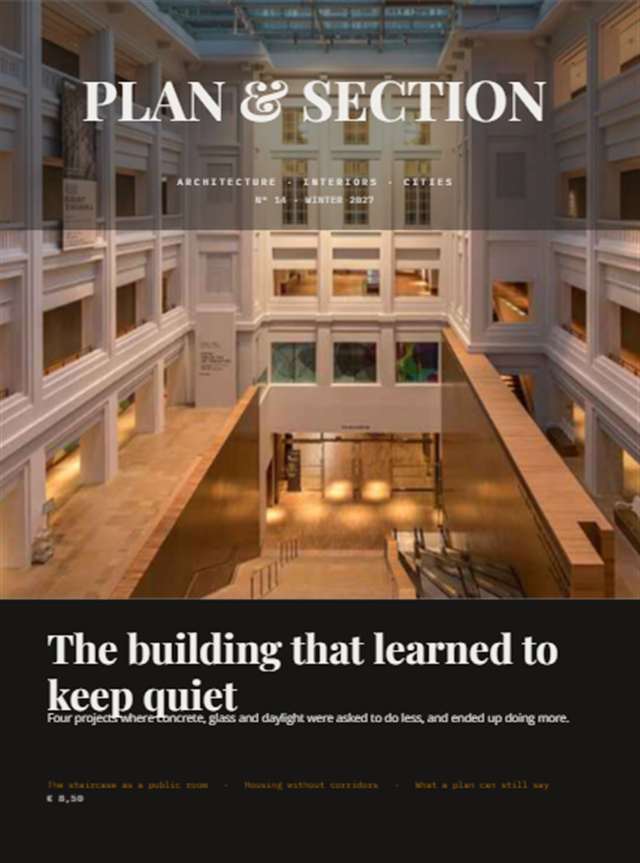
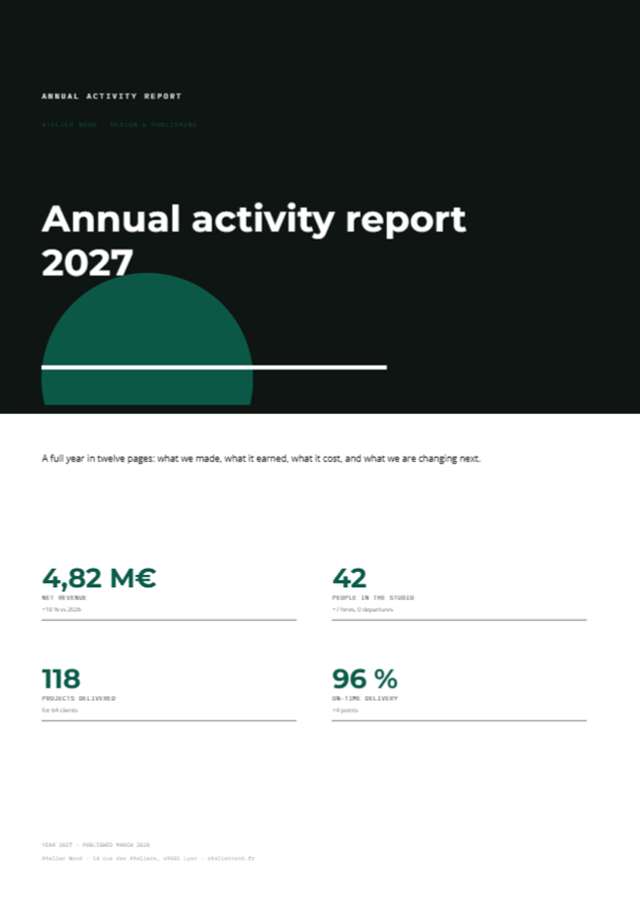
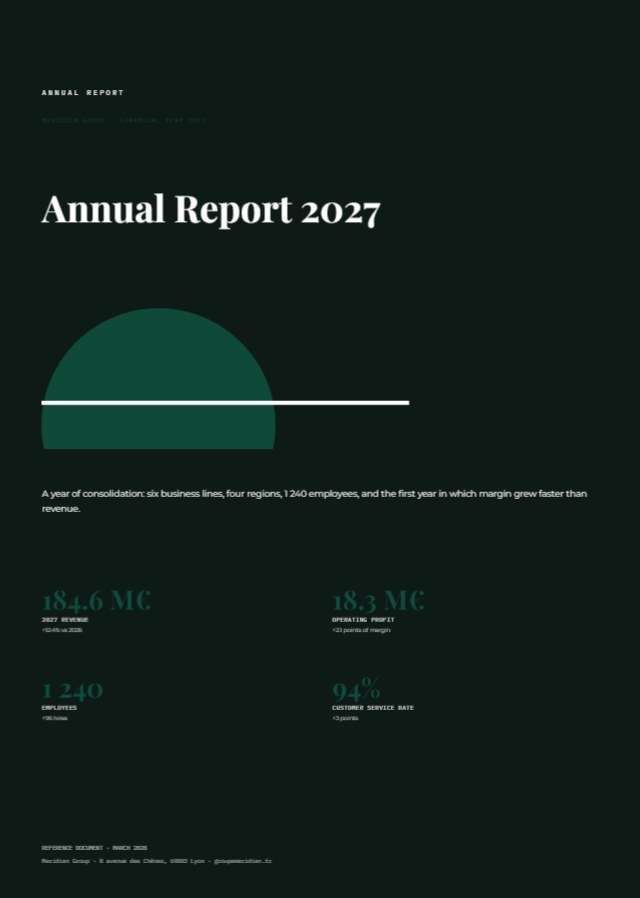
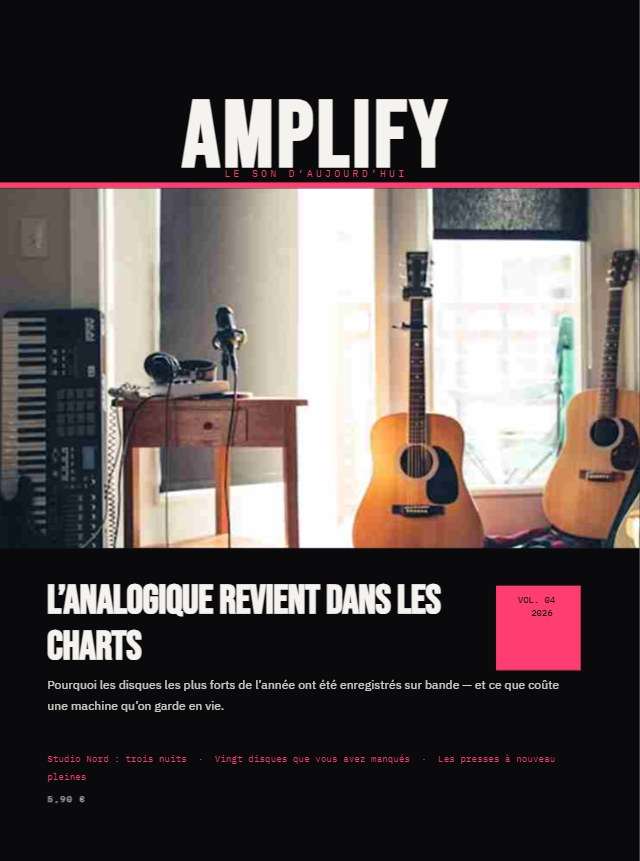
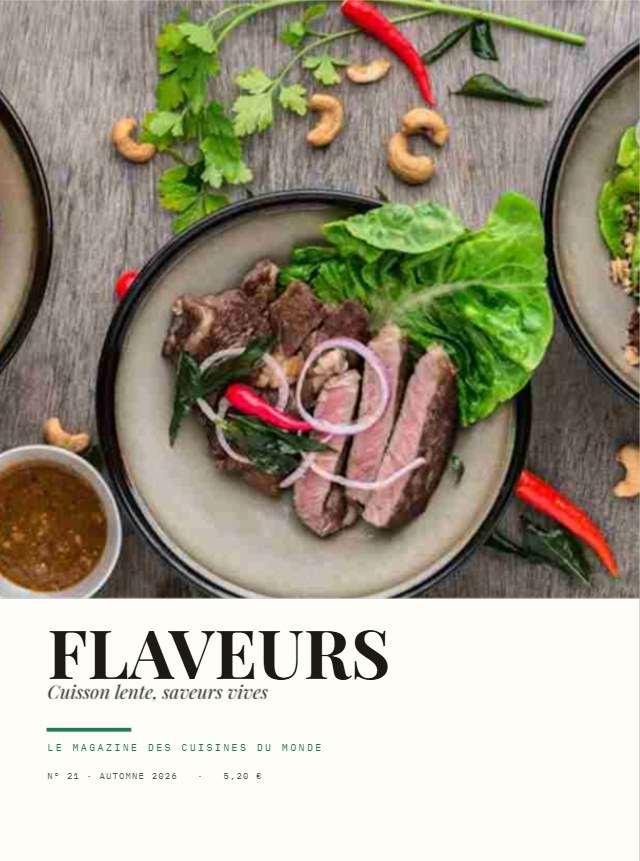
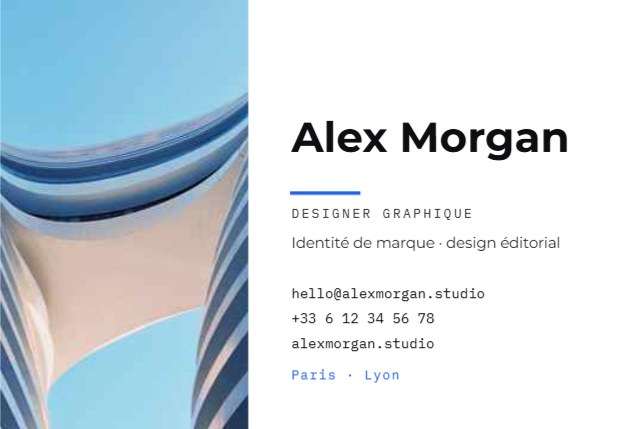
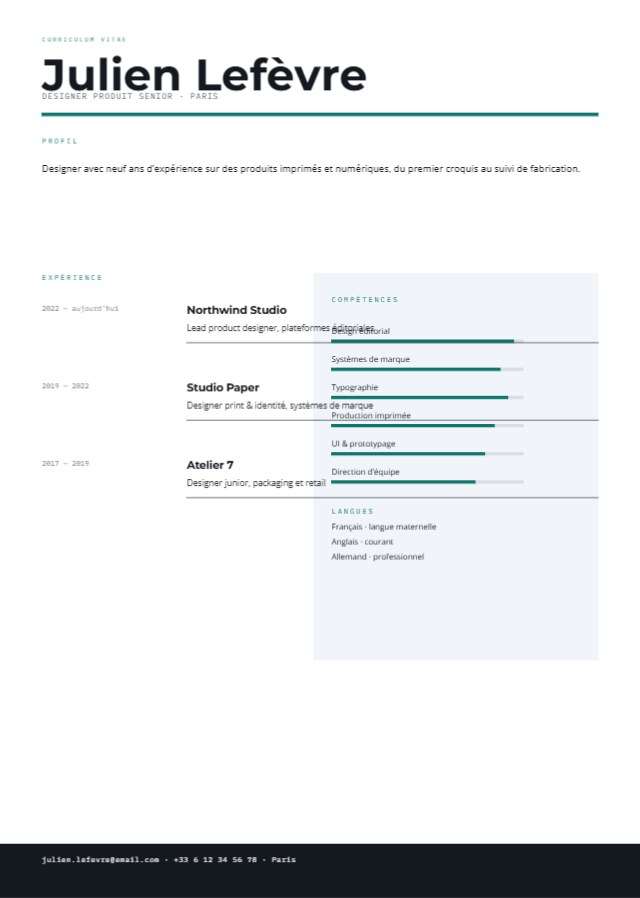
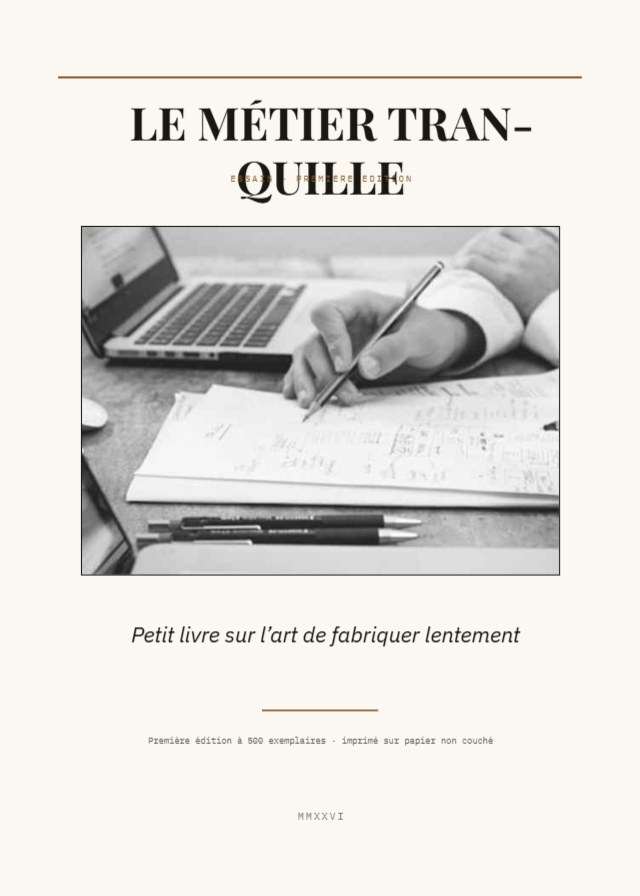
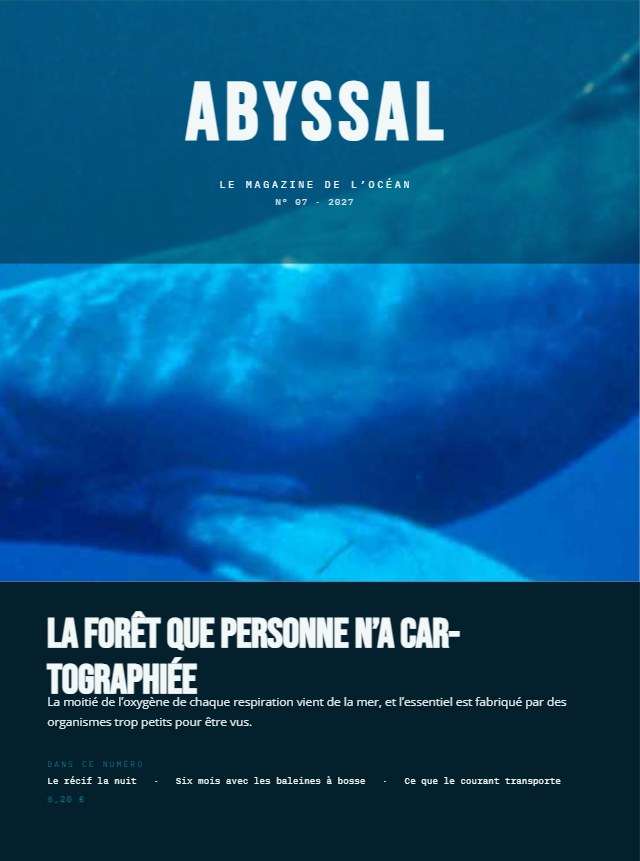
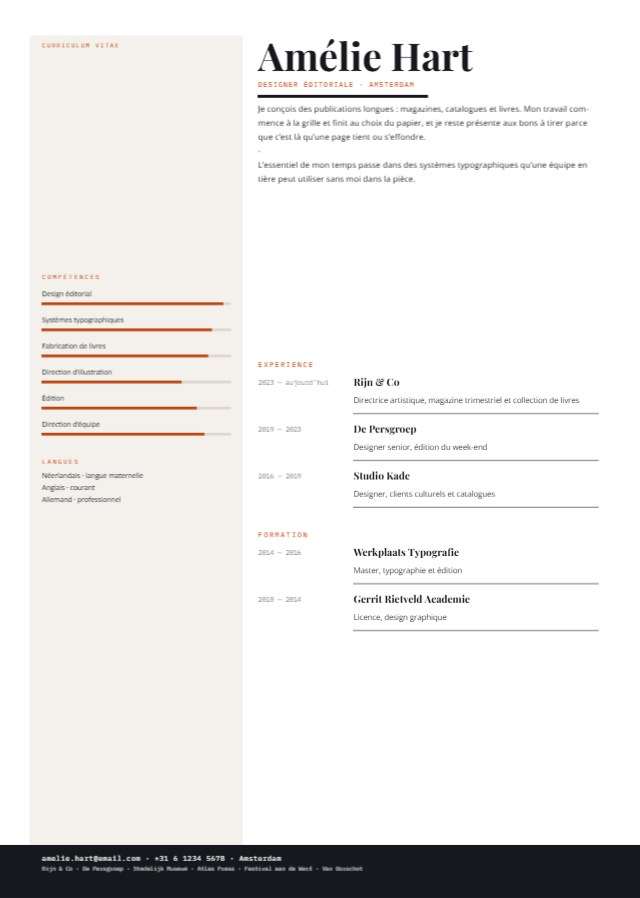
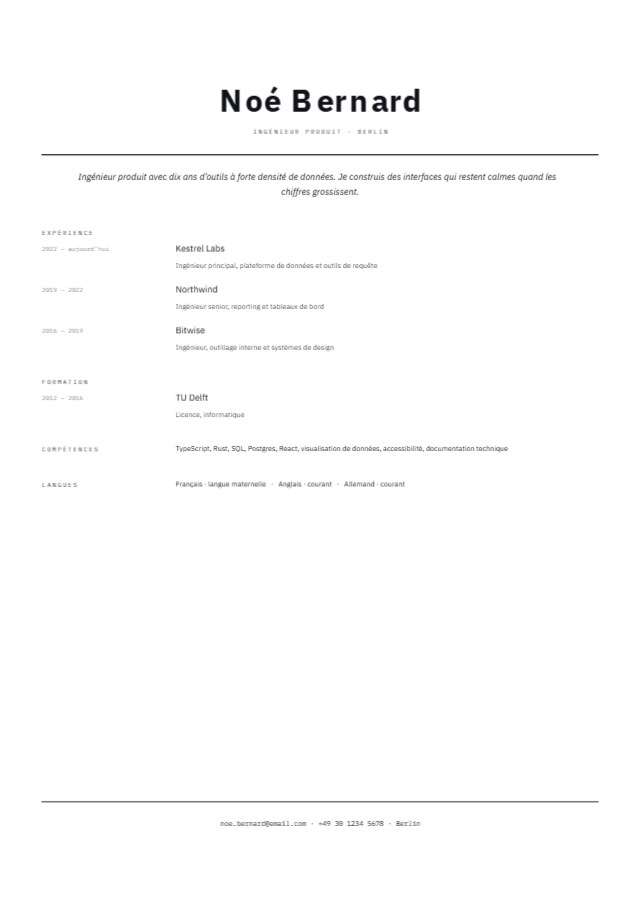
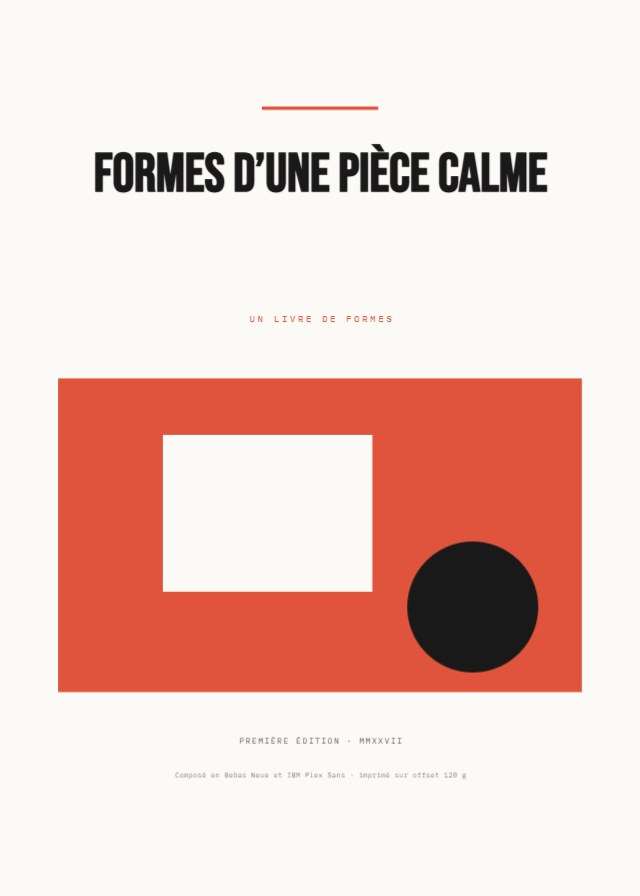
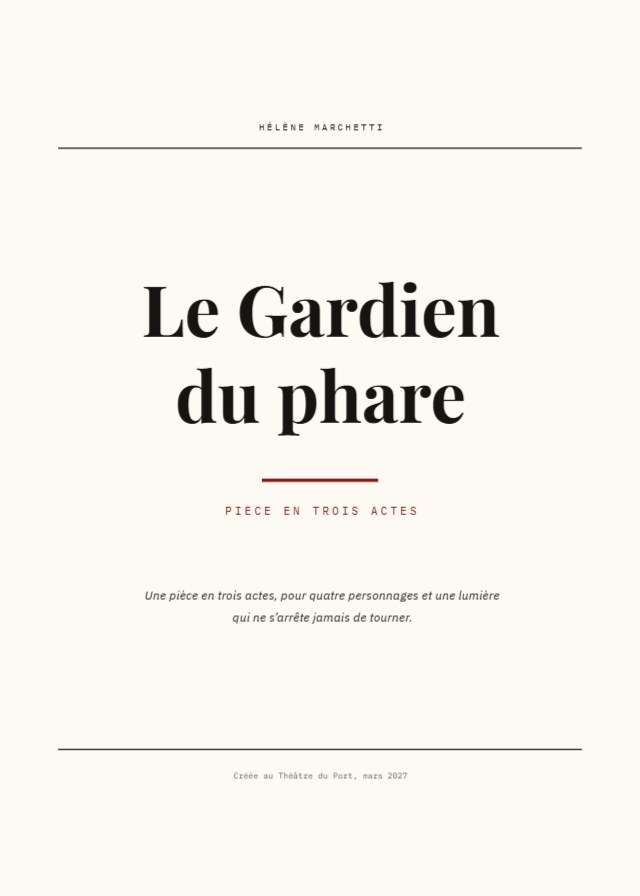
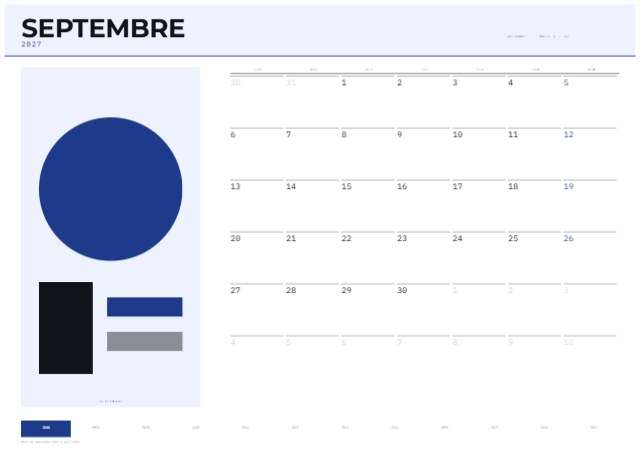
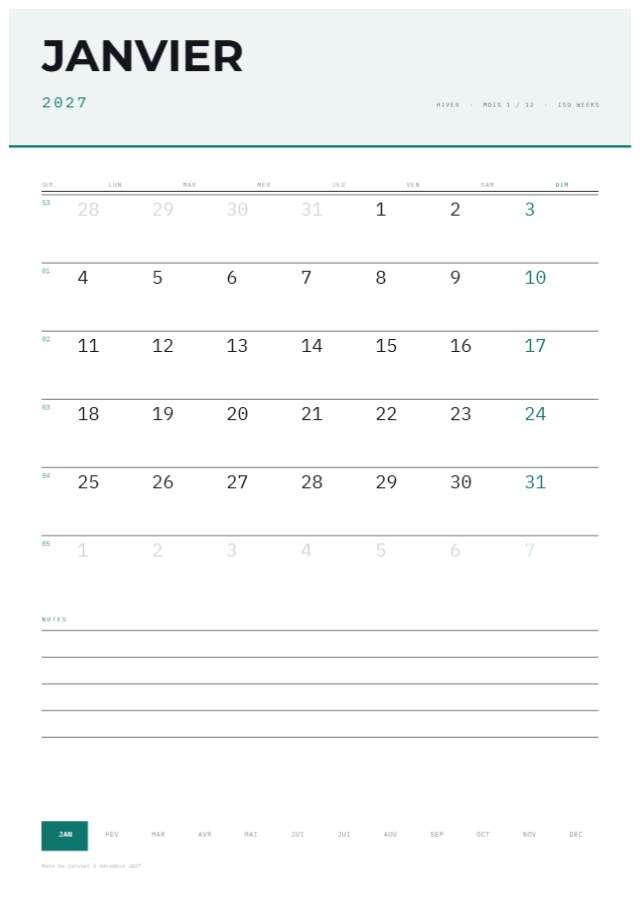
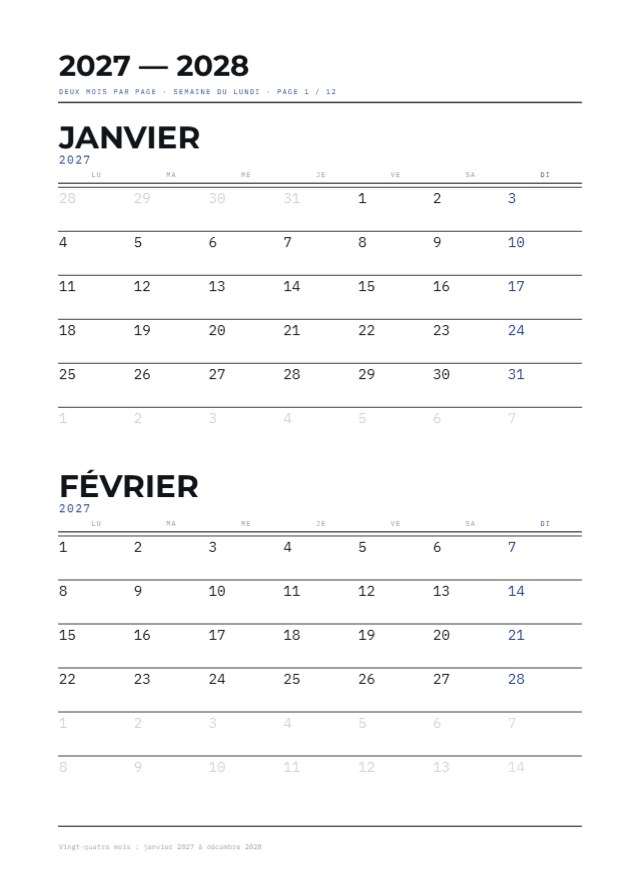
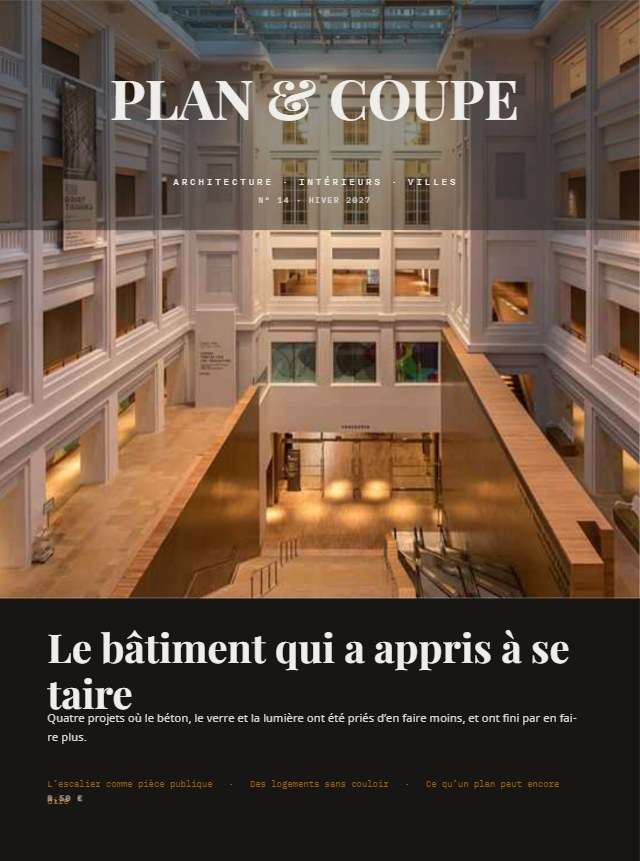
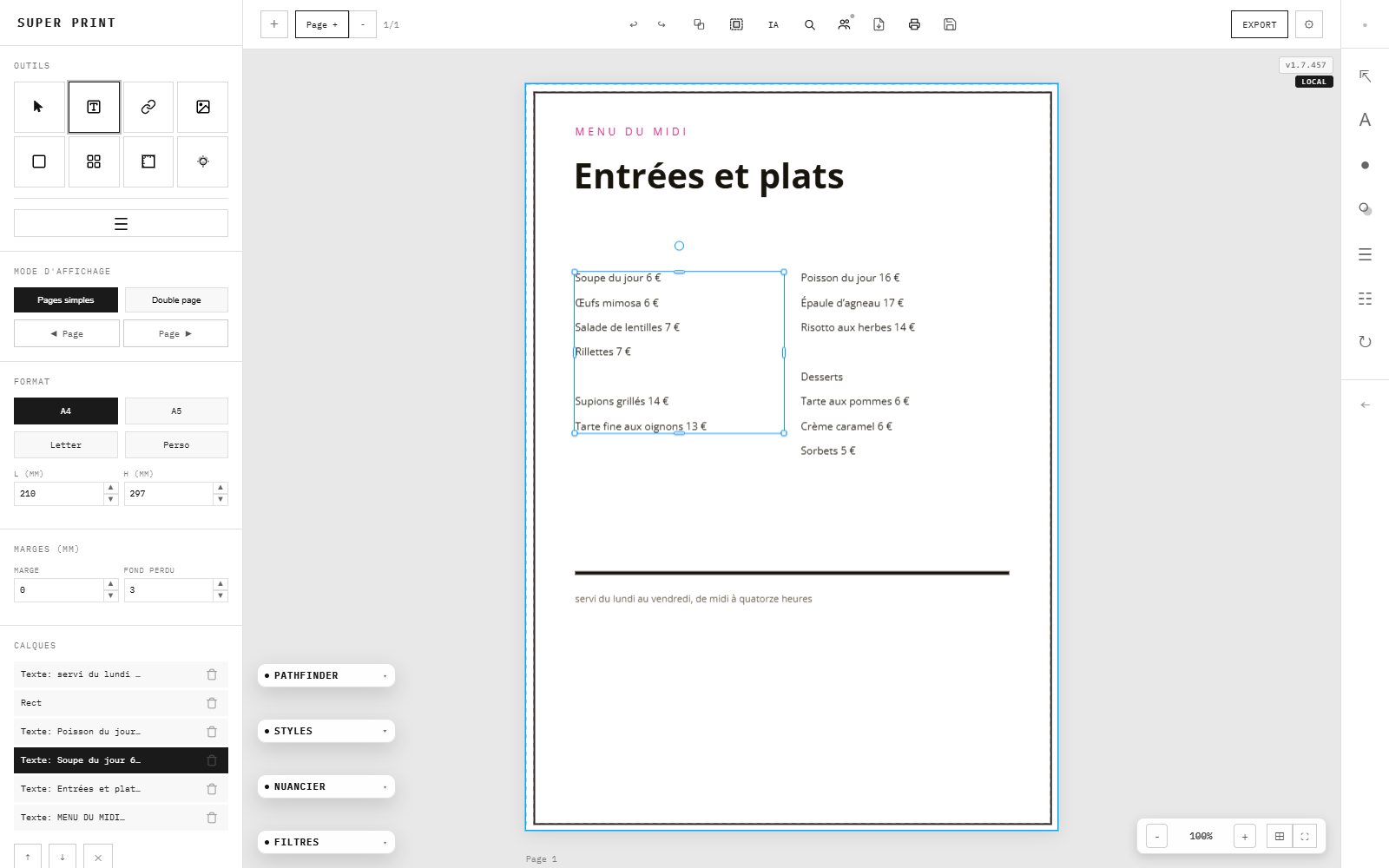
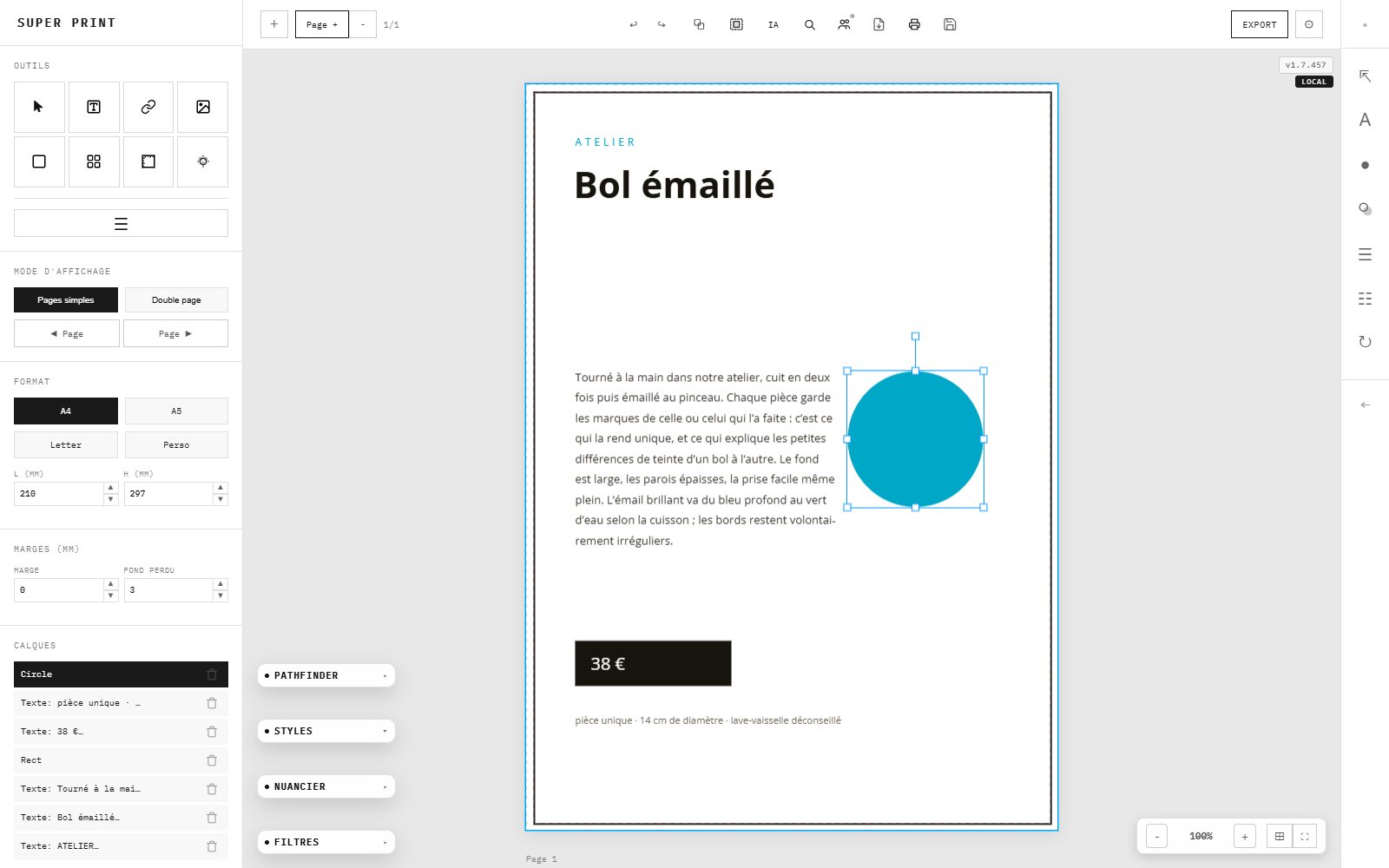
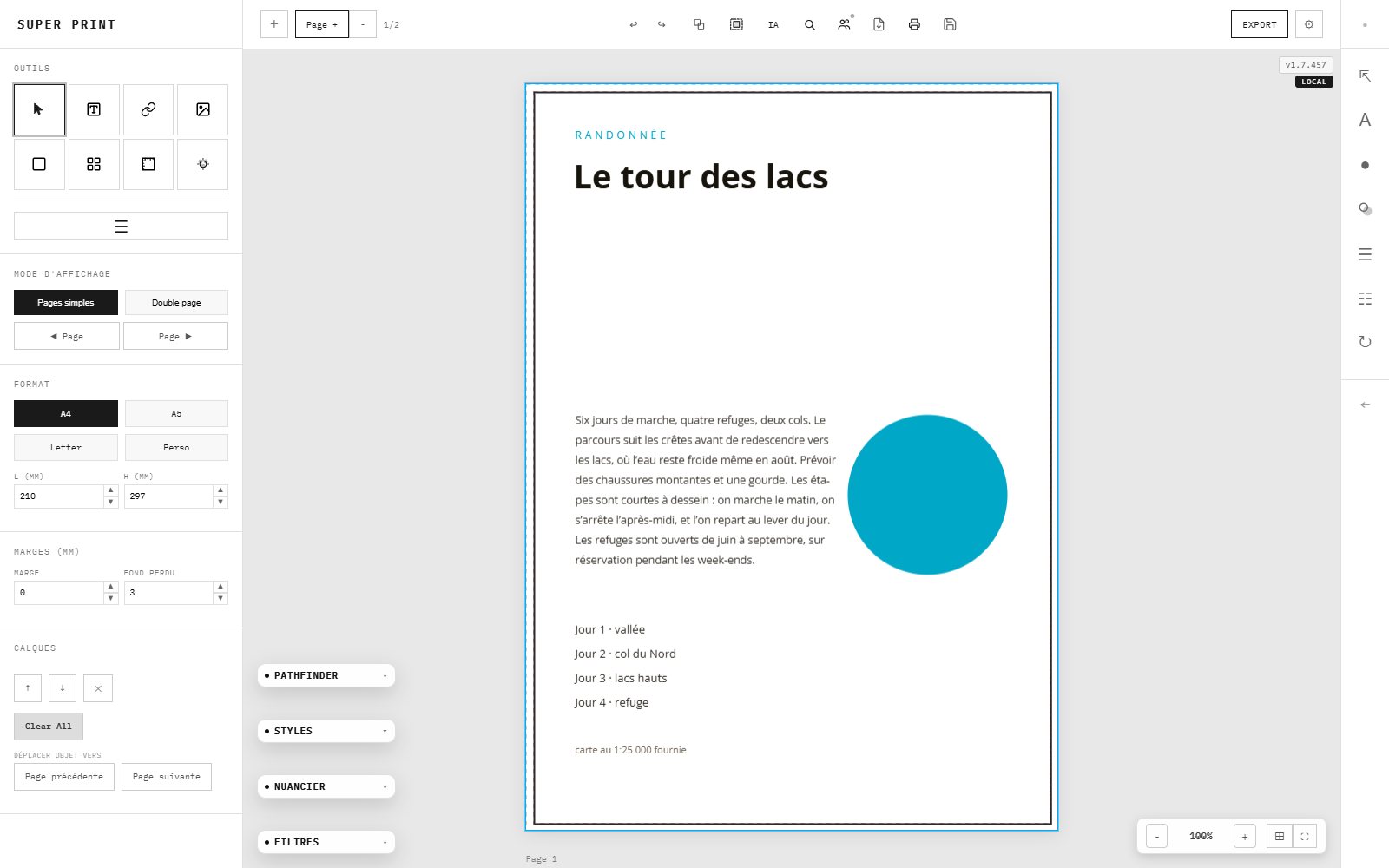
Magazines, rapports, CV, calendriers, livres, menus, cartes de visite, presse quotidienne en japonais et dépliant maisons mobiles : chaque maquette est composée dans SuperPrint, aux bonnes marges et au bon format. Un clic l'ouvre dans l'application, prête à éditer.
Magazines, reports, CVs, calendars, books, menus, business cards, Japanese daily-newspaper layouts and a mobile-home brochure: every layout is composed in SuperPrint, with the right margins and page size. One click opens it in the application, ready to edit.
1 / 43Glissez, ou utilisez les flèchesDrag, or use the arrowsドラッグ、または矢印キー
FONCTIONS
L'inventaire de SuperPrint
The SuperPrint inventory
SuperPrintの目録
La PAO, entièrement réinventée dans votre navigateur.
DTP, entirely reinvented in your browser.
DTPを、ブラウザでまるごと作り直す。
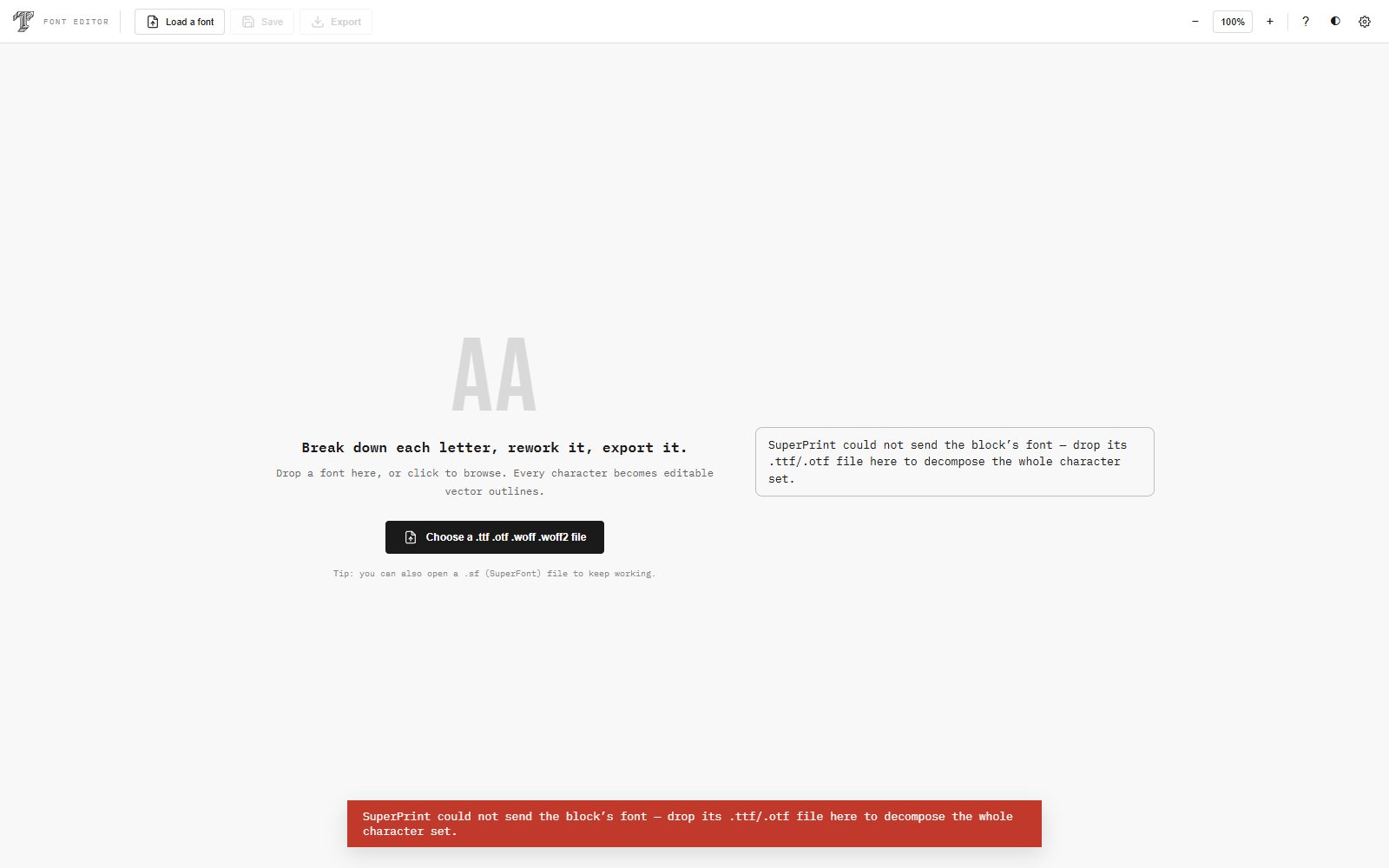
Le bureau de PAO, le studio d'IA et le bureau typographique : trois applications, un seul projet, rien à installer. Chacune s'ouvre d'un clic, chacune travaille dans votre navigateur — et les maquettes passent de l'une à l'autre.
The DTP desk, the AI studio and the type desk: three applications, one project, nothing to install. Each opens in one click, each works in your browser — and layouts travel from one to the next.
Exportez des PDF adaptés à l'impression professionnelle offset avec conversion RGB→CMYK intégrée, gestion des tons directs Pantone et simulation d'épreuve écran.
Export print-ready PDFs with integrated RGB→CMYK conversion, Pantone spot color management and screen proof simulation.
Moteur Hypher pour césure automatique en FR, EN, DE, ES, IT, JA. Espacement de paragraphe, crénage, interlignage, styles de texte avancés.
Hypher engine for automatic hyphenation in FR, EN, DE, ES, IT, JA. Paragraph spacing, kerning, leading, advanced text styles.
HypherエンジンによるFR / EN / DE / ES / IT / JAの自動ハイフネーション。段落間隔、カーニング、行送り、高度なテキストスタイル。
05
ACCÉLÉRATION GPU
GPU ACCELERATION
GPUアクセラレーション
Détection WebGL automatique via WEBGL_debug_renderer_info. Promotion de couche CSS (will-change, translateZ). Cache objet Fabric.js par type. Rendu fluide même sur les grands documents.
Automatic WebGL detection via WEBGL_debug_renderer_info. CSS layer promotion (will-change, translateZ). Per-type Fabric.js object caching. Smooth rendering even on large documents.
Nuancier Pantone intégré, pose d'une encre directe sur forme, texte ou fond. Chaque encre sort dans sa propre couche nommée, dans un espace de couleur /Separation conforme à l'ISO 32000-2 — la quadrichromie reste séparée des Pantone. Profils ICC acceptés pour cadrer la conversion.
Built-in Pantone panel, spot ink on a shape, text or background. Every ink leaves in its own named channel, inside an ISO 32000-2 compliant /Separation colour space — process stays apart from Pantone. ICC profiles accepted to frame the conversion.
Reprenez un fichier InDesign exporté en IDML : les blocs texte, les stories et la mise en page sont lus et reconstruits dans SuperPrint. Un pont direct depuis vos archives existantes, sans repartir de zéro.
Pick up an InDesign file exported as IDML: text frames, stories and layout are read and rebuilt in SuperPrint. A direct bridge from your existing archive, without starting over.
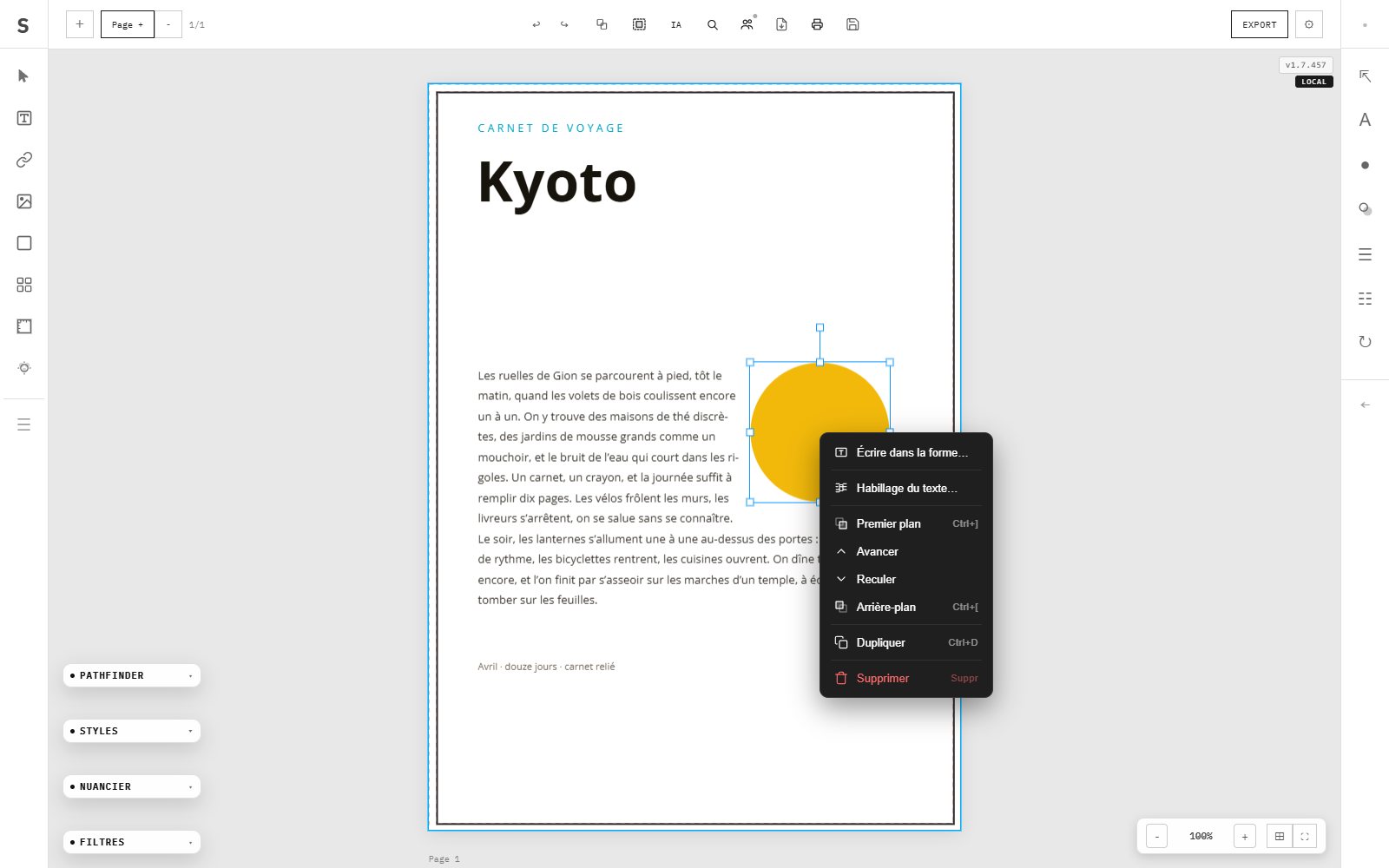
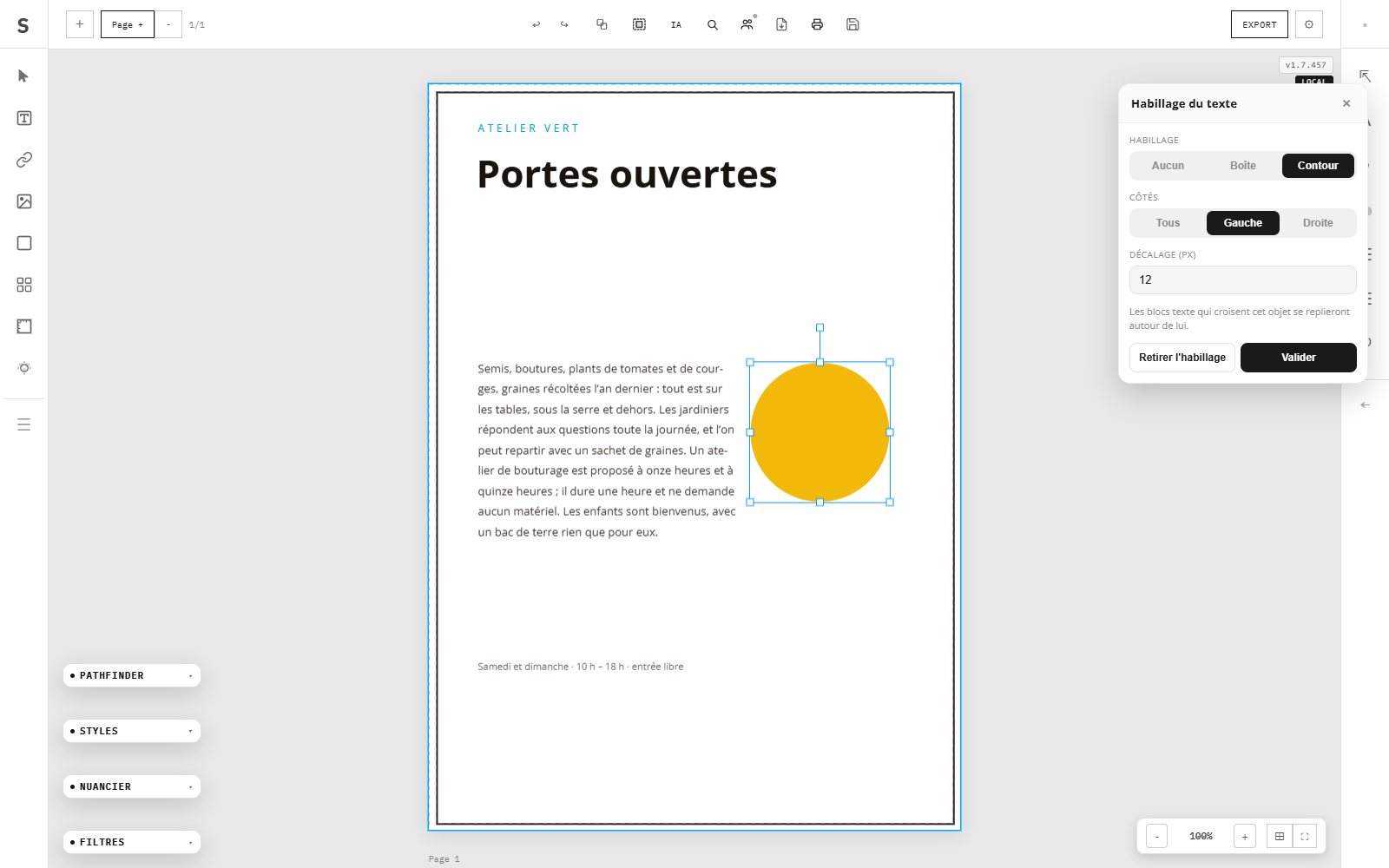
Le texte coule autour d'une boîte ou d'un contour, avec un décalage réglable et un choix de côtés. L'habillage se recompose à chaque déplacement de l'objet et s'applique aussi aux blocs posés à l'intérieur d'une forme.
Text flows around a bounding box or a contour, with adjustable offset and per-side control. The wrap recomposes on every move and also applies to frames placed inside a shape.
Le prépresse, là où le fichier devient une plaque.
Prepress — where the file becomes a plate.
プリプレス — ファイルが版になる場所。
Pantone · /Separation · ICC+
Un imprimeur ne reçoit pas une image : il reçoit des encres, chacune sur sa plaque. SuperPrint écrit ce découpage dans le PDF lui-même, avec les espaces de couleur normalisés que les RIP savent lire.
A printer does not receive a picture — they receive inks, each on its own plate. SuperPrint writes that division into the PDF itself, using the standard colour spaces that RIPs understand.
Le nuancier Pantone est intégré : posez une encre directe sur une forme, un texte ou un fond, exactement comme en quadrichromie. Le nom court s'affiche dans la liste (Yellow C plutôt que Pantone Yellow C) pour garder la palette lisible, tandis que le nom complet est conservé pour les filtres et les plaques.
The Pantone swatch book is built in: place a spot ink on a shape, a text or a background, exactly as you would a process colour. Short names keep the list readable (Yellow C rather than Pantone Yellow C) while the full name is retained for filters and plates.
Pantoneスウォッチを内蔵。図形・テキスト・背景にスポットインキを、プロセスカラーと同じ感覚で配置できます。一覧では短縮名(Pantone Yellow C ではなく Yellow C)で見やすくし、フィルタと版には完全な名称を保持します。
Spot
02
Séparation des couches
Channel separation
チャンネル分版
Chaque encre directe part dans sa propre couche nommée, déclarée dans un espace de couleur /Separation conforme à l'ISO 32000-2 : la technique que les RIP attendent pour produire une plaque dédiée. La quadrichromie reste d'un côté, le Pantone de l'autre — jamais aplatis ensemble.
Every spot ink leaves in its own named channel, declared in a /Separation colour space compliant with ISO 32000-2 — the technique RIPs expect in order to output a dedicated plate. Process stays on one side, Pantone on the other, never flattened together.
Travaillez en RVB pour l'écran ou en CMJN pour l'offset : le nuancier Pantone reste accessible dans les deux cas, et le récapitulatif d'export annonce le compte réel de couches (RVB (3) + 1 Pantone, CMJN (4) + 2 Pantone). Plus de chiffre codé en dur.
Work in RGB for screen or CMYK for offset: the Pantone panel stays available in both, and the export summary states the real channel count (RGB (3) + 1 Pantone, CMYK (4) + 2 Pantone). No more hard-coded figure.
Une comparaison objective des fonctions qui comptent pour la mise en page professionnelle. Case noire : acquis. Case vide : absent.
An objective comparison of the features that matter for professional layout. Filled cell: included. Empty cell: absent.
プロのレイアウトに必要な機能を客観比較。黒い欄=あり。空欄=なし。
Fonctionnalité
Feature
機能
SuperPrint
Suites PAO desktop payantesPaid desktop DTP suites有料デスクトップDTP
Outils de design web généralistesGeneralist web design tools一般的なWebデザインツール
PAO desktop open sourceOpen-source desktop DTPオープンソースDTP
Prix
Price
価格
Sans abonnementNo subscriptionサブスク不要
Payant (abonnement ou licence)Paid (subscription or license)有料(サブスクまたはライセンス)
Freemium
Open source
Sans installation
No installation
インストール不要
●
○
●
○
Documents multi-pages
Multi-page documents
複数ページドキュメント
●
●
Limité
●
Export PDF CMYK
PDF CMYK export
CMYK PDF書き出し
●
●
○
●
Import Word / ODT
Word / ODT import
Word / ODT読み込み
●
●
Limité
Partiel
Typographie professionnelle
Professional typography
プロ仕様のタイポグラフィ
● Avancée
● Avancée
Basique
Partielle
Césure automatique multilingue
Multilingual hyphenation
多言語ハイフネーション
● 6 langues
●
○
Limitée
Gabarits (Master pages)
Master pages
マスターページ
●
●
○
●
Calques
Layers
レイヤー
●
●
Limité
●
Opérations booléennes
Boolean operations
ブーリアン演算
●
●
○
Partiel
Import PDF
PDF import
PDF読み込み
●
●
Images only
Partiel
Sauvegarde automatique
Auto-save
自動保存
● 12 sec
●
● Cloud
○
Mode hors-ligne (PWA)
Offline mode (PWA)
オフライン(PWA)
●
●
○
●
Accélération GPU
GPU Acceleration
GPUアクセラレーション
● WebGL
●
○
○
Confidentialité (données locales)
Privacy (local data)
プライバシー(ローカル保存)
● 100% local
Cloud propriétaireProprietary cloud独自クラウド
○ Cloud
●
L'analyseThe analysis分析
SuperPrint face aux grandes maisons
SuperPrint facing the great houses
SuperPrintと大手メゾンの対比
12+
Les suites de PAO desktop restent la référence historique de la mise en page. SuperPrint reprend leurs gestes essentiels et les ouvre, dans le navigateur.
Desktop DTP suites remain the historical reference of layout. SuperPrint takes their essential gestures and opens them, in the browser.
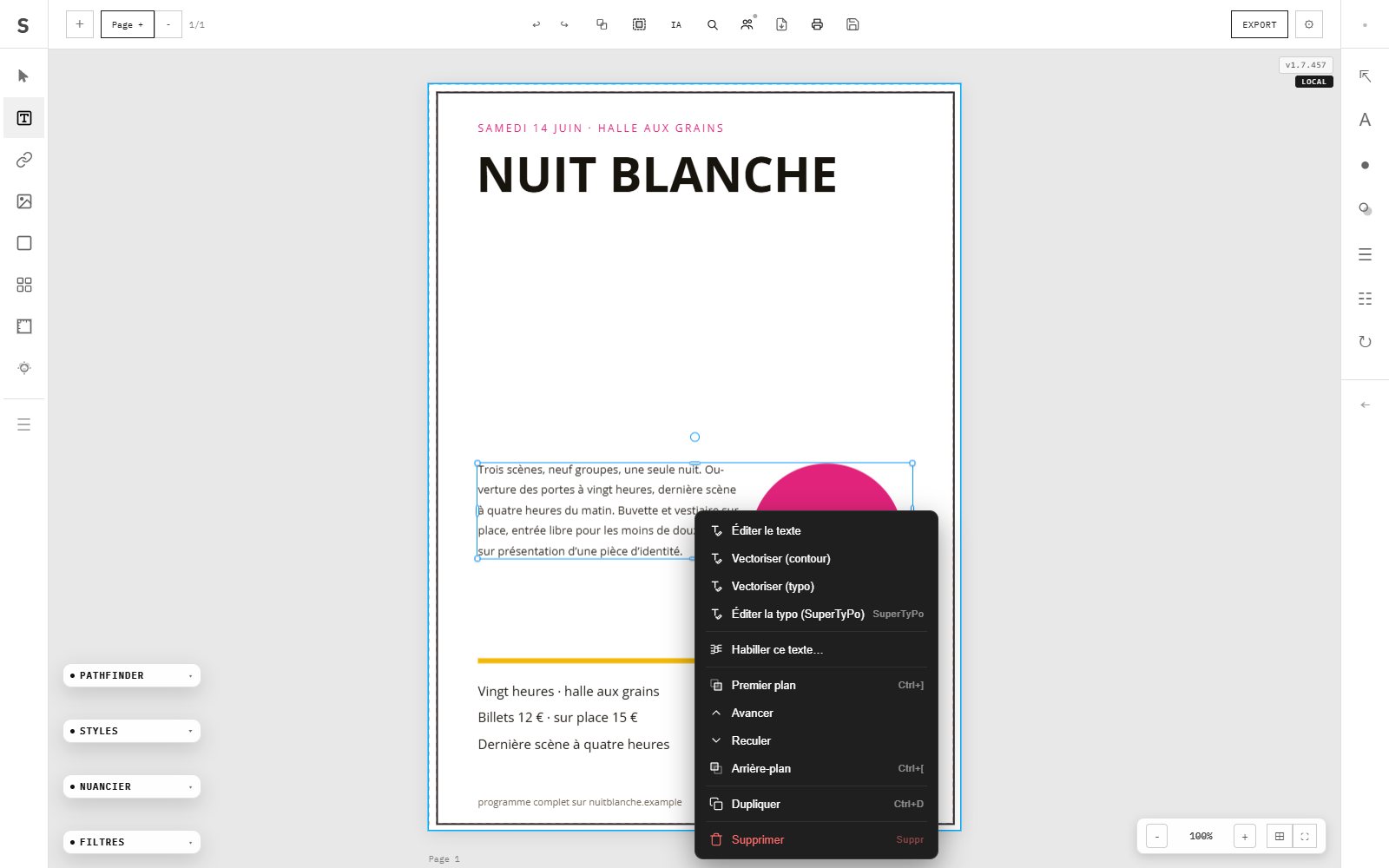
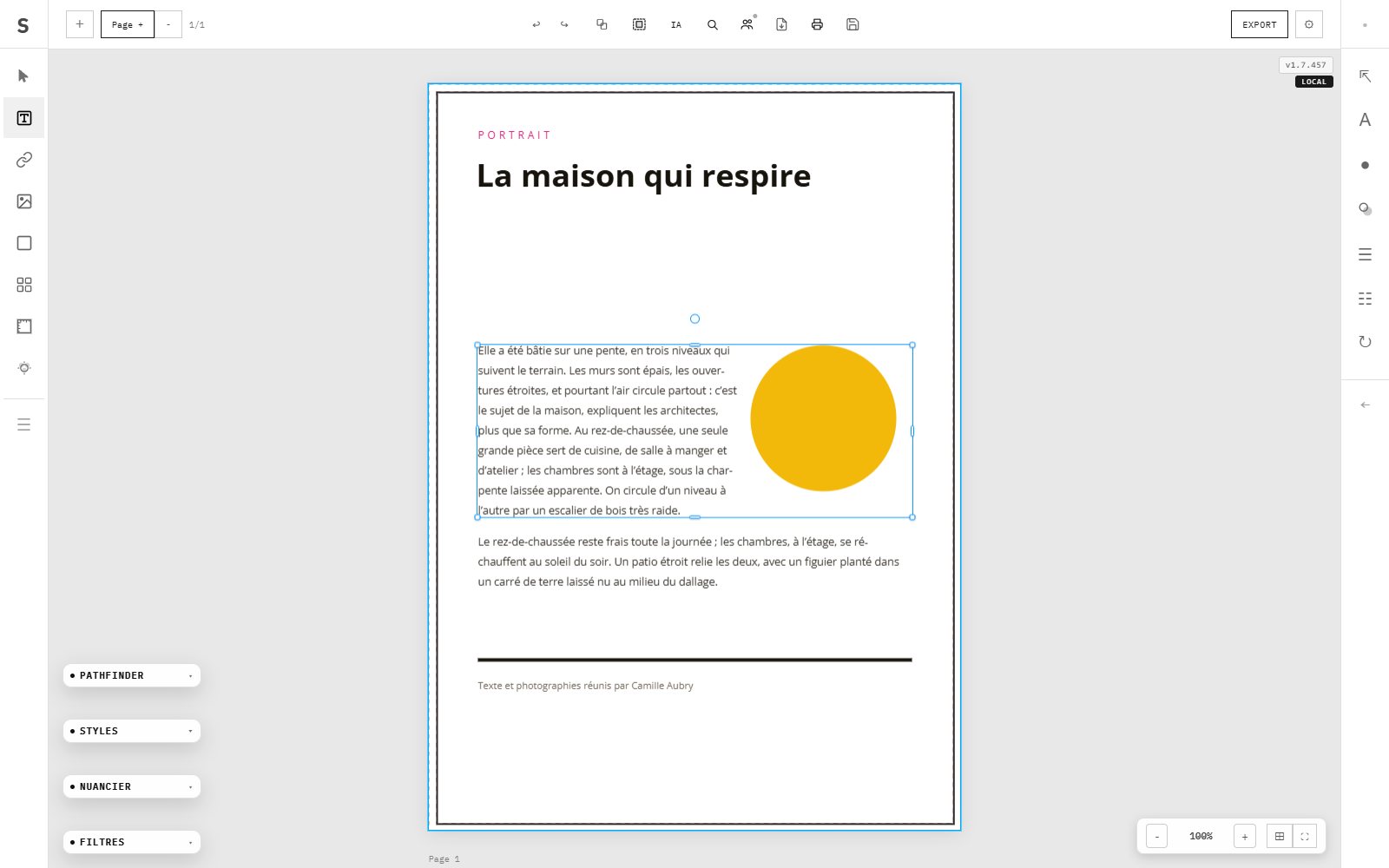
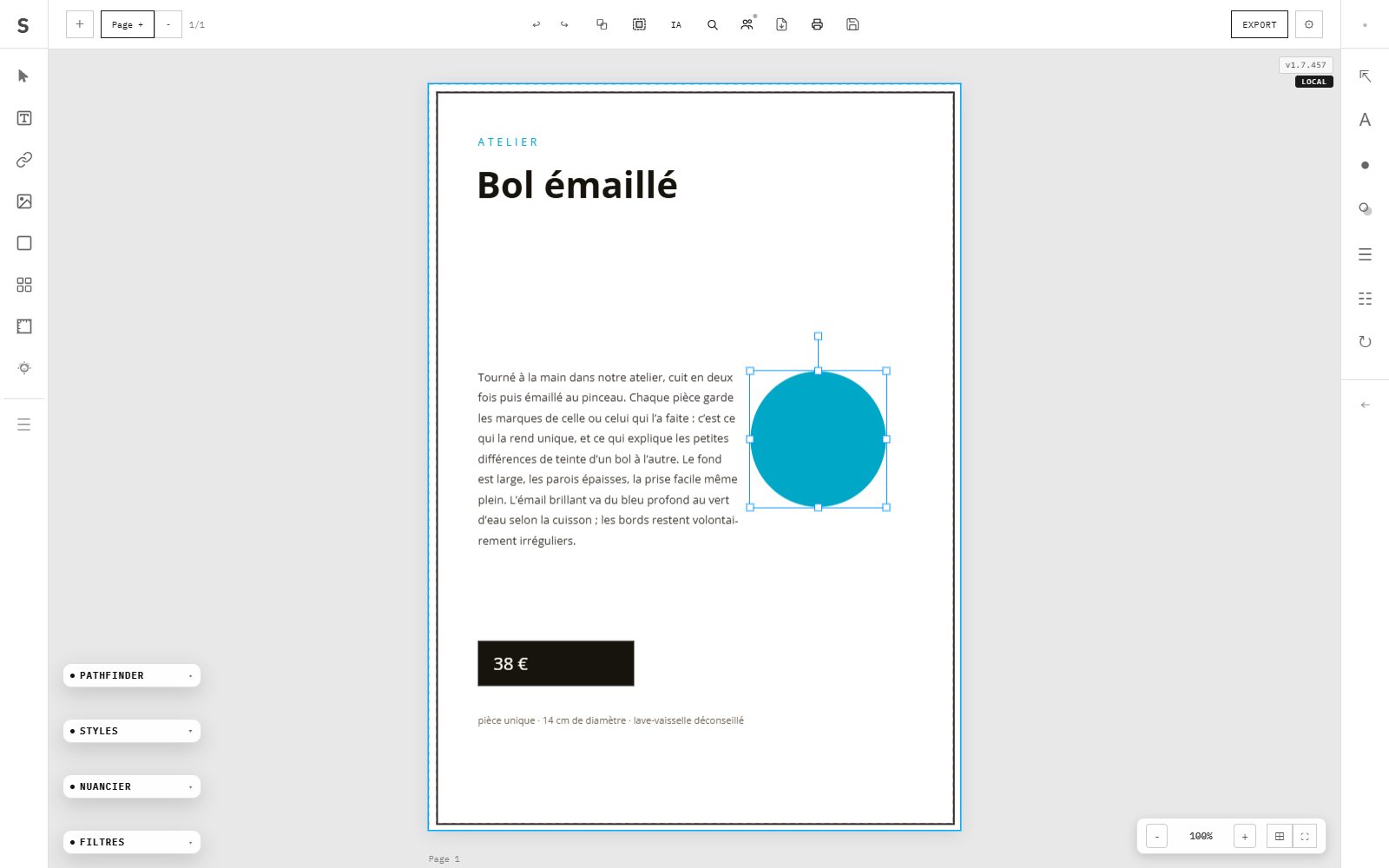
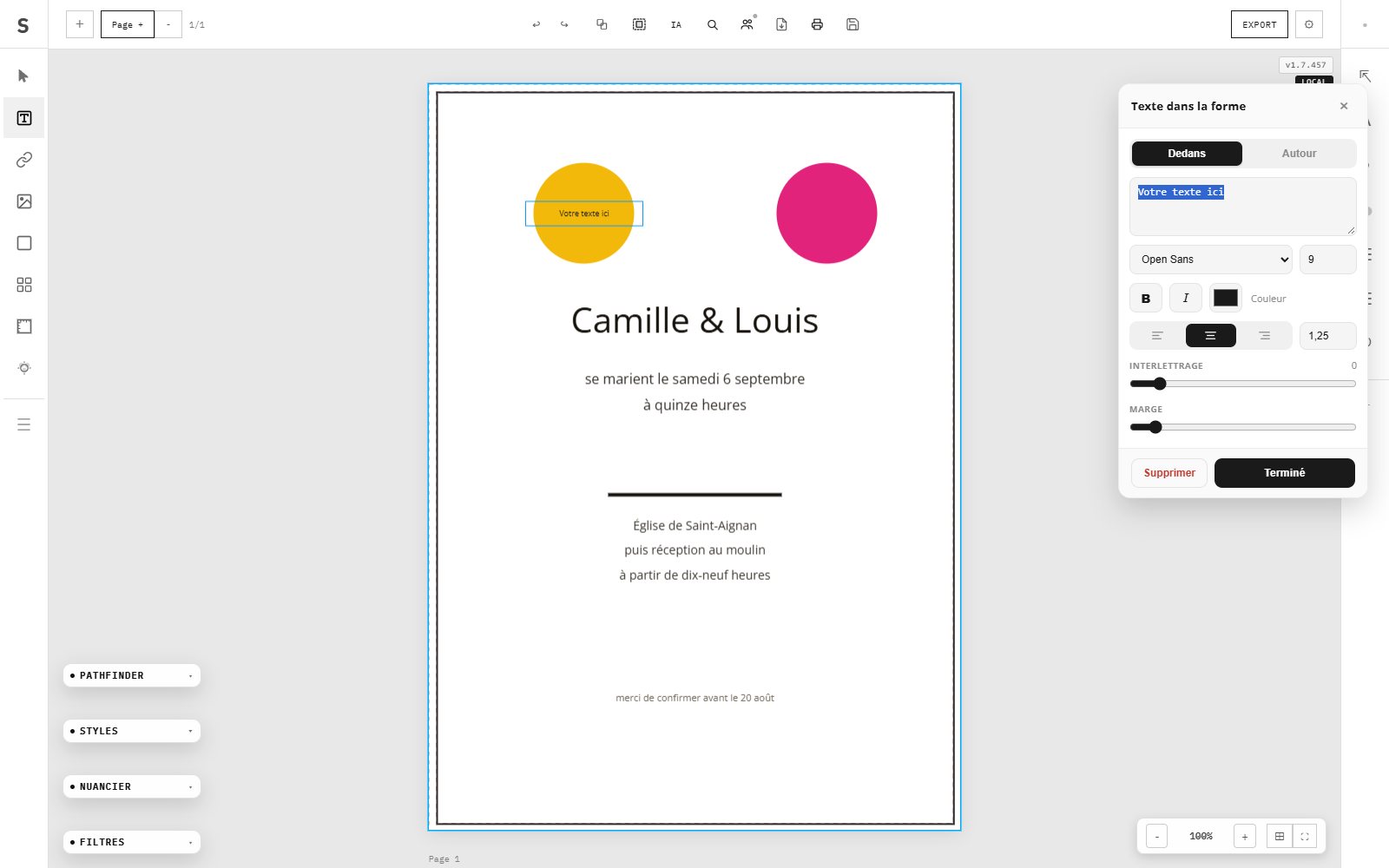
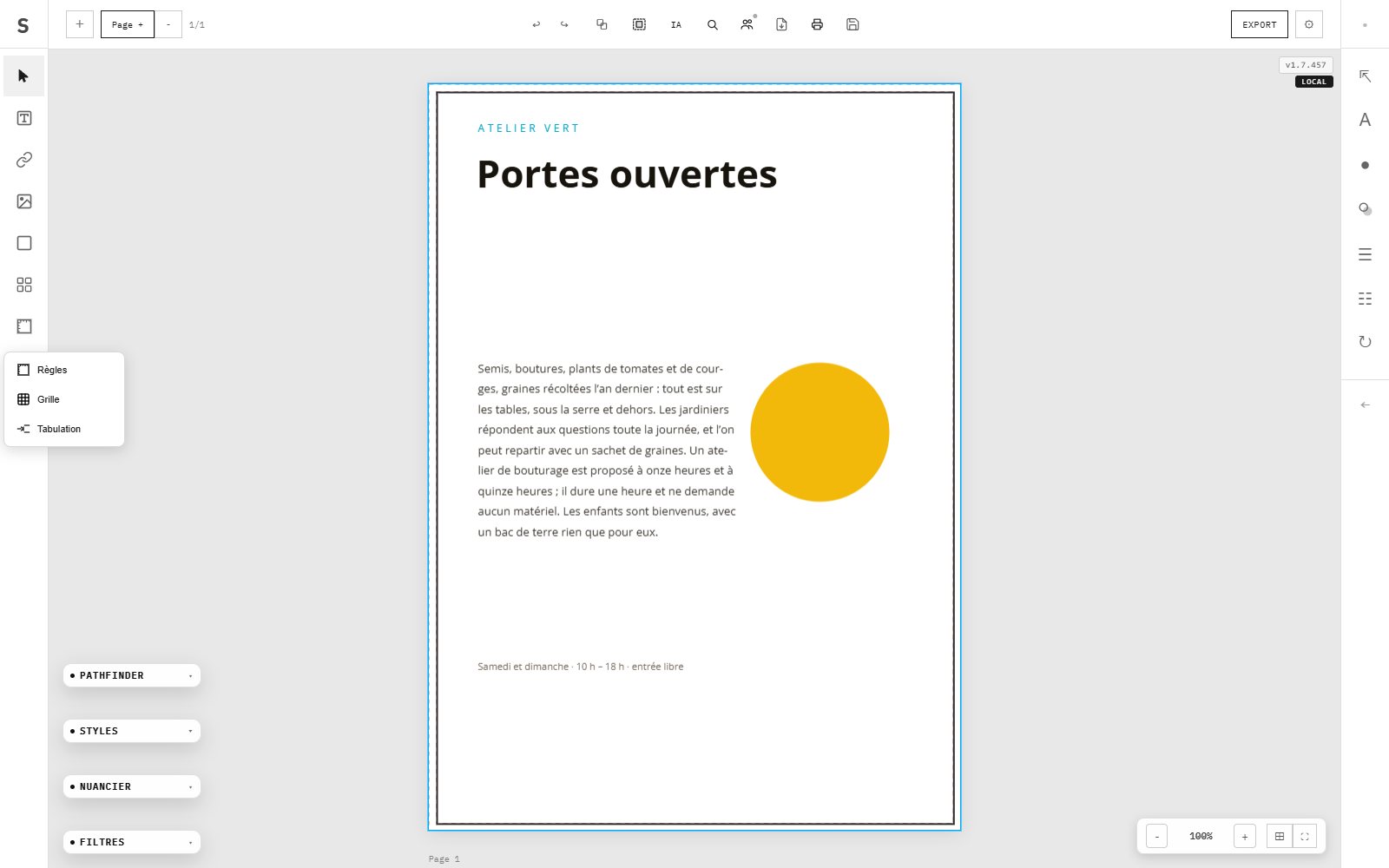
Chaque capture est prise dans l'application, sur une maquette différente : le clic droit, l'habillage, l'écriture dans une forme, la typographie, les couleurs, les calques, les règles et les grilles.
Every screenshot is taken inside the application, on a different layout each time: right-click, text wrap, writing inside a shape, typography, colours, layers, rulers and grids.
SuperPrint n'est pas un produit de catalogue : il est écrit, dessiné et composé par deux personnes. Pas d'équipe marketing, pas d'actionnaire, pas de version « entreprise » gardée pour plus tard — le logiciel et cette page sortent du même bureau, et les deux la signent.
SuperPrint is not a catalogue product: it is written, drawn and composed by two people. No marketing department, no shareholder, no “enterprise edition” held back for later — the software and this page come out of the same desk, and both carry the same two signatures.
Fondateur · Direction artistique · DéveloppementFounder · Art direction · Development創設者 · アートディレクション · 開発
Designer et directeur créatif. Il conçoit et écrit le logiciel : le moteur typographique, l'habillage du texte autour des formes, les opérations booléennes, l'export PDF prêt pour l'impression — et l'interface qui va avec.
Designer and creative director. He designs and writes the software: the typographic engine, text wrap around shapes, boolean operations, print-ready PDF export — and the interface that goes with it.
Sa pratique relie direction artistique, UX/UI et technologies créatives. Il a travaillé pour Samsung, Microsoft, ARTE, la Cinémathèque française, Sony, le château de Versailles, Radio Classique et LVMH.
His practice links art direction, UX/UI and creative technology. He has worked for Samsung, Microsoft, ARTE, the Cinémathèque française, Sony, the Palace of Versailles, Radio Classique and LVMH.
Designer graphique, spécialisée en typographie, identité visuelle et direction artistique. Elle donne à SuperPrint son identité graphique et sa précision éditoriale : le dessin des gabarits, la composition des pages, la tenue du détail typographique.
Graphic designer, specialising in typography, visual identity and art direction. She gives SuperPrint its graphic identity and its editorial precision: how the templates are drawn, how the pages are composed, how the typographic detail is held.
SuperPrint est publié par Zigmoon, le studio de Simon Dupont-Gellert, en synergie avec 2.13 — le collectif d'indépendants qu'ils ont fondé tous les deux.
SuperPrint is published by Zigmoon, Simon Dupont-Gellert's studio, in synergy with 2.13 — the collective of senior freelances the two of them founded together.
SuperPrint は Simon Dupont-Gellert のスタジオ Zigmoon から、2.13 との協働で公開されています。2.13 は二人が共同で立ち上げたシニア・フリーランスの集まりです。
Aucune question ne correspond — essayez un mot plus court.No question matches — try a shorter word.該当する質問がありません。短い語でお試しください。
SuperPrint est-il vraiment sans abonnement ?Does SuperPrint really require no subscription?SuperPrintは本当にサブスク不要ですか?
Oui, SuperPrint fonctionne sans abonnement, sans compte requis, sans publicité. Vous ouvrez votre navigateur et vous travaillez immédiatement. Zigmoon développe SuperPrint en open-spirit dans le but de démocratiser la création professionnelle.
Yes, SuperPrint works with no subscription, no account required, no ads. You open your browser and start creating immediately. Zigmoon develops SuperPrint with an open spirit to democratize professional creation.
SuperPrint est-il un bon logiciel de PAO professionnel ?Is SuperPrint a good professional DTP tool?SuperPrintは優れたプロ向けDTPツールですか?
SuperPrint propose les fonctionnalités essentielles d'un logiciel de PAO pro directement dans le navigateur : mise en page multi-pages, typographie professionnelle avec césure automatique, export PDF prêt pour l'impression, calques, gabarits, opérations booléennes. Une solution solide pour les créations professionnelles sans abonnement mensuel.
SuperPrint provides the essential features of a professional DTP tool directly in the browser: multi-page layout, professional typography with automatic hyphenation, print-ready PDF export, layers, master pages, boolean operations. A solid solution for professional creations without any monthly subscription.
Faut-il installer SuperPrint ?Does SuperPrint need to be installed?SuperPrintのインストールは必要ですか?
Non. SuperPrint fonctionne entièrement dans le navigateur web (Chrome, Firefox, Safari, Edge). Aucune installation, aucun téléchargement, aucun plugin. Il peut également être installé comme application PWA sur votre bureau depuis Chrome ou Edge en cliquant sur l'icône d'installation dans la barre d'adresse.
No. SuperPrint runs entirely in the web browser (Chrome, Firefox, Safari, Edge). No installation, no download, no plugin. It can also be installed as a PWA desktop app from Chrome or Edge by clicking the install icon in the address bar.
SuperPrint peut-il exporter en PDF CMYK pour l'imprimerie ?Can SuperPrint export PDF CMYK for commercial printing?商業印刷用のCMYK PDFを書き出せますか?
Oui. SuperPrint dispose d'un convertisseur RGB→CMYK intégré et exporte des fichiers PDF adaptés à l'impression professionnelle offset. Il prend en charge les couleurs CMYK, les tons directs Pantone et la simulation d'épreuve écran. L'outil SUPER PRINT CONVERT vous accompagne dans ce workflow.
Yes. SuperPrint has an integrated RGB→CMYK converter and exports PDFs suitable for professional offset printing. It supports CMYK colors, Pantone spot colors and screen proof simulation. The SUPER PRINT CONVERT tool guides you through this workflow.
Puis-je importer mes documents Word ou PDF ?Can I import my Word or PDF documents?WordやPDFのドキュメントを読み込めますか?
Oui. SuperPrint importe vos documents Word (.docx), OpenDocument (.odt), textes (.txt, .rtf) et pages PDF, puis les met en page automatiquement avec pagination. Vos sources arrivent telles quelles dans le bureau.
Yes. SuperPrint imports your Word (.docx), OpenDocument (.odt), text (.txt, .rtf) and PDF documents, then lays them out automatically with pagination. Your sources arrive as-is on the desk.
Qu'est-ce que le studio SP213 ?What is SP213 Studio?SP213スタジオとは何ですか?
SP213 est l'assistant de mise en page par IA de SuperPrint. Décrivez votre maquette en texte ou à la voix : il génère un document complet (affiche, flyer, brochure, catalogue, magazine, rapport) que vous retravaillez ensuite dans l'éditeur. Il fonctionne avec DeepSeek, OpenRouter (gratuit), Groq, ou un modèle local WebLLM hors-ligne via WebGPU.
SP213 is SuperPrint's AI layout assistant. Describe your layout by text or voice: it generates a complete document (poster, flyer, brochure, catalog, magazine, report) that you then refine in the editor. It runs on DeepSeek, OpenRouter (free), Groq, or a local offline WebLLM model via WebGPU.
Mes fichiers sont-ils sécurisés et privés ?Are my files secure and private?ファイルは安全でプライベートですか?
Oui. Toutes vos données restent 100% locales sur votre appareil. SuperPrint utilise IndexedDB (base de données du navigateur) pour la sauvegarde automatique. Aucun fichier n'est jamais envoyé sur un serveur. Aucun compte n'est requis. La sauvegarde automatique se déclenche toutes les 12 secondes.
Yes. All your data stays 100% local on your device. SuperPrint uses IndexedDB (browser database) for auto-save. No files are ever sent to any server. No account required. Auto-save triggers every 12 seconds.
SuperPrint fonctionne-t-il hors-ligne ?Does SuperPrint work offline?SuperPrintはオフラインで動作しますか?
Oui. SuperPrint est une Progressive Web App (PWA) avec Service Worker. Une fois chargé au moins une fois, il fonctionne entièrement hors-ligne. Parfait pour travailler dans le train, en avion ou sur des connexions limitées.
Yes. SuperPrint is a Progressive Web App (PWA) with a Service Worker. Once loaded at least once, it works entirely offline. Perfect for working on trains, planes or on limited connections.
SuperPrint vs les outils de design web généralistes — quelle est la différence ?SuperPrint vs generalist web design tools — what's the difference?一般的なWebデザインツールとの違いは?
Contrairement aux outils de design web généralistes, SuperPrint est orienté publication professionnelle (PAO) : véritable gestion des couleurs CMYK, gabarits, calques, chaînage de blocs texte, moteur typographique professionnel avec césure. SuperPrint est destiné aux designers, graphistes et professionnels de l'impression. Les outils grand public ciblent la création rapide avec des templates prédéfinis. SuperPrint donne le contrôle total sur votre mise en page.
Unlike generalist web design tools, SuperPrint is focused on professional publishing (DTP): real CMYK color management, master pages, layers, text frame chaining, professional typographic engine with hyphenation. SuperPrint is made for designers, graphic artists and printing professionals. General-audience tools aim at quick creation with predefined templates. SuperPrint gives you total control over your layout.
Sur quels systèmes d'exploitation SuperPrint fonctionne-t-il ?What operating systems does SuperPrint support?対応OSを教えてください。
SuperPrint fonctionne sur tout système disposant d'un navigateur moderne : Windows 10/11, macOS, Linux, Chrome OS (Chromebook), iPad (Safari/Chrome). Il n'y a aucune dépendance au système d'exploitation.
SuperPrint works on any system with a modern browser: Windows 10/11, macOS, Linux, Chrome OS (Chromebook), iPad (Safari/Chrome). There is no dependency on the operating system.
Sans compte · Sans publicitéNo account · No adsアカウント不要 · 広告なし
Mentions légales
Legal notice
法的通知
Alpha software — provided as is, no warranty. Always check your document before printing.
Logiciel en version alpha — fourni en l'état, sans garantie. Vérifiez toujours votre document avant impression.
アルファ版ソフトウェア — 現状のまま提供、無保証。印刷前に必ず文書を確認してください。
1. Publisher and authors
SuperPrint is designed, written and published by Simon Dupont-Gellert and Clémence Brunet, who jointly hold the authorship and the exploitation rights of the software, of its source code, of its visual identity and of this website.
Publisher and publication director: Simon Dupont-Gellert. Contact: @SUPER_PRINT_app.
2. Hosting
This site and the online version are hosted by OVH — France, European Union. Data is hosted in France.
3. ALPHA / BETA version — IMPORTANT
SuperPrint is currently released as an ALPHA version. It is under active development and may contain bugs, incomplete features, calculation errors or display defects. It is provided as an experimentation and assistance tool, not as a finished product.
4. No warranty
The software is provided free of charge and "as is", without warranty of any kind, express or implied, including but not limited to merchantability, fitness for a particular purpose, or non-infringement of third-party rights. No guarantee is given that the software will operate without interruption or free of errors, or that the results obtained will be accurate or reliable.
5. Printing and production — limitation of liability
You are solely responsible for verifying your documents before any printing, publishing or industrial use: colours, colour space (RGB/CMYK/Pantone), bleed, margins, resolution, fonts, overprint, transparency flattening, trapping, page geometry and the final result.
The screen rendering, the soft-proof, the generated PDF and the exported files may differ from the printed result, depending on the press, the substrate, the ink, the RIP and the profile used.
To the fullest extent permitted by law, the publisher and the authors shall not be liable for any failed print run, any colour deviation, any misregistration, any misfeed or imposition error, any production downtime, any additional cost, or any direct or indirect, material or immaterial damage resulting from the use of the software or of the files it produces — including when the online version, the local installation, an AI-generated layout (SP213) or an AI-assisted function is involved.
6. AI-generated content
Layouts, texts, translations and images proposed by the artificial intelligence functions are provided as assistance only. They may be inaccurate, incomplete, biased or unsuitable. You remain fully responsible for reviewing, correcting, adapting and validating every element before any use or publication. No AI output may be considered as legal, accounting, medical or professional advice.
7. Your responsibility as user
You agree not to use the software for unlawful, misleading, defamatory or infringing purposes, and to hold all necessary rights over the contents (texts, images, logos, fonts) that you import or create. You are responsible for keeping a backup of your documents: the publisher cannot be held liable for any data loss, corruption or unavailability.
8. Intellectual property
All rights reserved. The name, the source code, the interface, the graphic identity and this site are protected by copyright and constitute the joint property of their authors. Any reproduction, distribution, decompilation, reverse engineering or commercial exploitation not expressly authorised is prohibited.
9. Updates
The publisher may modify, suspend or discontinue all or part of the software at any time, without notice and without liability, particularly during the alpha phase.
10. Governing law
These terms are governed by French law. In the event of a dispute, and subject to mandatory legal provisions to the contrary, the French courts shall have exclusive jurisdiction.
11. Acceptance
By using SuperPrint, you acknowledge having read, understood and accepted these terms without reservation. If you do not accept them, you must not use the software.
1. Éditeur et auteurs
SuperPrint est conçu, écrit et édité par Simon Dupont-Gellert et Clémence Brunet, qui détiennent conjointement la qualité d'auteurs et les droits d'exploitation du logiciel, de son code source, de son identité visuelle et du présent site.
Éditeur et directeur de la publication : Simon Dupont-Gellert. Contact : @SUPER_PRINT_app.
2. Hébergement
Ce site et la version en ligne sont hébergés par OVH — France, Union européenne. Les données sont hébergées en France.
3. Version ALPHA / BETA — IMPORTANT
SuperPrint est actuellement diffusé en version ALPHA. Il est en cours de développement et peut contenir des anomalies, des fonctions incomplètes, des erreurs de calcul ou des défauts d'affichage. Il est fourni comme outil d'expérimentation et d'assistance, et non comme un produit fini.
4. Absence de garantie
Le logiciel est fourni gratuitement et « en l'état », sans garantie d'aucune sorte, expresse ou implicite, y compris, sans limitation, la qualité marchande, l'adéquation à un usage particulier ou l'absence de contrefaçon de droits de tiers. Aucune garantie n'est donnée que le logiciel fonctionnera sans interruption ou sans erreur, ni que les résultats obtenus seront exacts ou fiables.
5. Impression et fabrication — limitation de responsabilité
Vous êtes seul responsable de la vérification de vos documents avant toute impression, publication ou exploitation industrielle : couleurs, espace colorimétrique (RVB/CMJN/Pantone), fonds perdus, marges, résolution, polices, surimpression, aplatissement des transparences, trapping, géométrie des pages et résultat final.
Le rendu à l'écran, la simulation, le PDF généré et les fichiers exportés peuvent différer du résultat imprimé, selon la presse, le support, l'encre, le RIP et le profil utilisés.
Dans toute la mesure permise par la loi, l'éditeur et les auteurs ne sauraient être tenus responsables d'un échec d'impression, d'un écart de couleur, d'un défaut de repérage, d'une erreur d'imposition ou d'alimentation, d'un arrêt de production, d'un surcoût, ni d'aucun dommage direct ou indirect, matériel ou immatériel, résultant de l'utilisation du logiciel ou des fichiers qu'il produit — y compris lorsque la version en ligne, l'installation locale, une maquette générée par IA (SP213) ou une fonction assistée par IA sont en cause.
6. Contenus générés par IA
Les maquettes, textes, traductions et images proposés par les fonctions d'intelligence artificielle sont fournis à titre d'assistance uniquement. Ils peuvent être inexacts, incomplets, biaisés ou inadaptés. Vous demeurez entièrement responsable de la relecture, de la correction, de l'adaptation et de la validation de chaque élément avant tout usage ou publication. Aucun résultat d'IA ne peut être considéré comme un conseil juridique, comptable, médical ou professionnel.
7. Vos responsabilités d'utilisateur
Vous vous engagez à ne pas utiliser le logiciel à des fins illicites, trompeuses, diffamatoires ou contrefaisantes, et à détenir l'ensemble des droits nécessaires sur les contenus (textes, images, logos, polices) que vous importez ou créez. Il vous appartient de conserver une sauvegarde de vos documents : l'éditeur ne peut être tenu responsable d'une perte, d'une corruption ou d'une indisponibilité de données.
8. Propriété intellectuelle
Tous droits réservés. Le nom, le code source, l'interface, l'identité graphique et le présent site sont protégés par le droit d'auteur et constituent la propriété conjointe de leurs auteurs. Toute reproduction, diffusion, décompilation, ingénierie inverse ou exploitation commerciale non expressément autorisée est interdite.
9. Évolutions
L'éditeur peut modifier, suspendre ou interrompre tout ou partie du logiciel à tout moment, sans préavis et sans engager sa responsabilité, particulièrement pendant la phase alpha.
10. Droit applicable
Les présentes conditions sont soumises au droit français. En cas de litige, et sous réserve des dispositions légales impératives contraires, les tribunaux français seront seuls compétents.
11. Acceptation
En utilisant SuperPrint, vous reconnaissez avoir lu, compris et accepté sans réserve les présentes conditions. Si vous ne les acceptez pas, vous ne devez pas utiliser le logiciel.
1. 発行者および著作者
SuperPrint は Simon Dupont-Gellert と Clémence Brunet によって設計・制作・発行されています。両名は、本ソフトウェア、そのソースコード、ビジュアルアイデンティティおよび本サイトの著作者としての権利ならびに利用権を共同で保有します。
SuperPrint does not require an account and does not collect any personal data.
Processing is 100% local
All the work happens in your browser: your documents, images and layouts never leave your machine for rendering.
API keys
The API keys you optionally provide for the AI features are stored only in your browser (local storage) and are sent only to the provider you explicitly choose. They are never sent to SuperPrint servers.
No tracking
No analytics, no advertising trackers, no profiling.
Hosting
This site is hosted in France (OVH), in the European Union, subject to the GDPR.
Local storage
We use local storage to remember your language and preferences. You can clear it at any time from your browser settings.
SuperPrint ne nécessite aucun compte et ne collecte aucune donnée personnelle.
Traitement 100 % local
Tout le travail s'effectue dans votre navigateur : vos documents, images et maquettes ne quittent jamais votre machine pour le rendu.
Clés API
Les clés API que vous fournissez éventuellement pour les fonctionnalités IA sont stockées uniquement dans votre navigateur (stockage local) et ne sont envoyées qu'au fournisseur que vous choisissez explicitement. Elles ne sont jamais envoyées aux serveurs de SuperPrint.
Aucun suivi
Aucun outil de statistiques, aucun traceur publicitaire, aucun profilage.
Hébergement
Ce site est hébergé en France (OVH), dans l'Union européenne, soumis au RGPD.
Stockage local
Nous utilisons le stockage local pour mémoriser votre langue et vos préférences. Vous pouvez l'effacer à tout moment depuis les paramètres de votre navigateur.